364
3-2. Using the audio system
4RUNNER_U
Selecting a play mode
Press (BROWSE) to select iPod menu mode.
Press , , or as corresponds to the
desired play mode.
Pressing (MORE) to change to the second selection list.
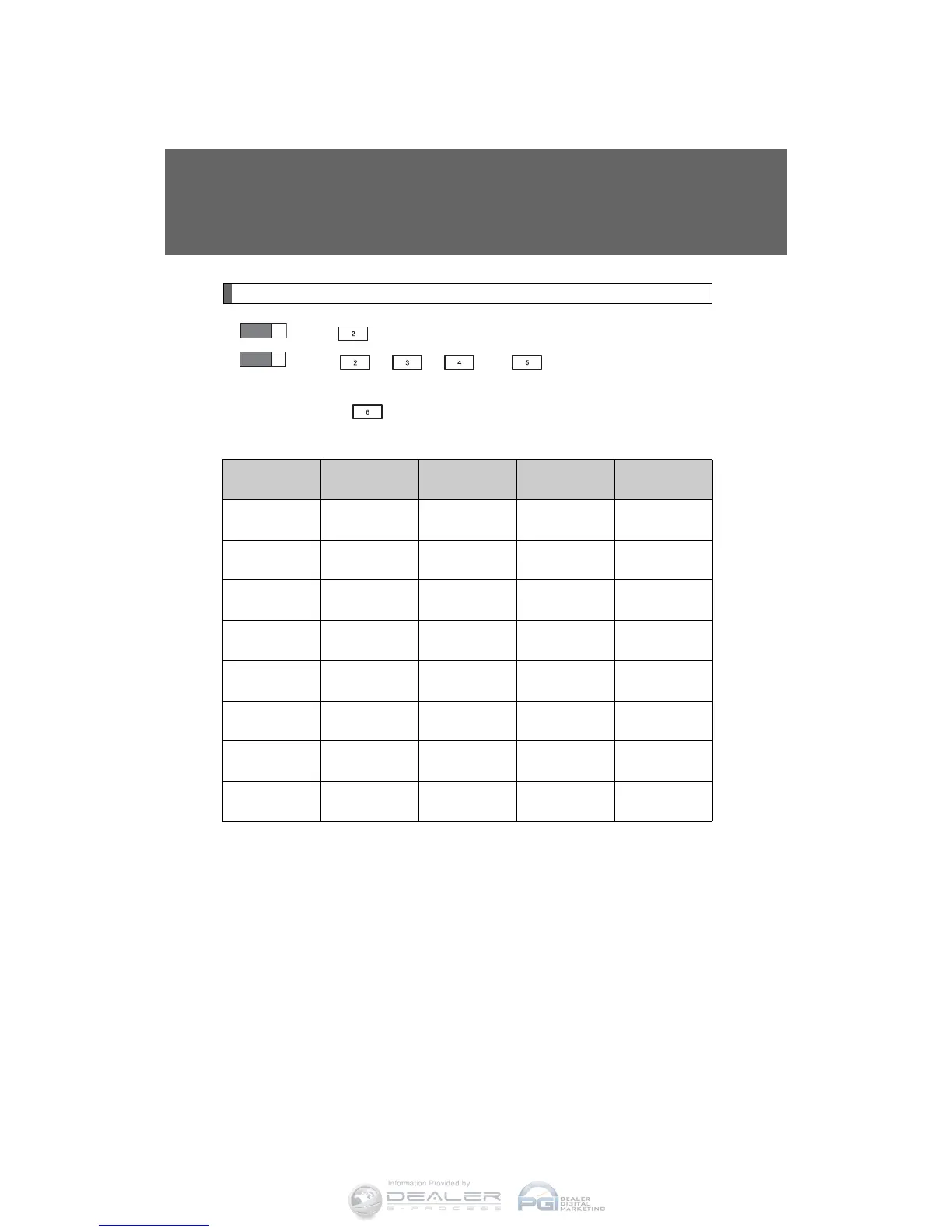
■ Play mode list
Depending on the model, the name of your iPod may be displayed at
the top of the list.
Play mode
First
selection
Second
selection
Third
selection
Fourth
selection
“PLIST”
Playlist
select
Songs
select
--
“ARTIST” Artist select
Albums
select
Songs
select
-
“ALBUM”
Albums
select
Songs
select
--
“GENRE” Genre select Artists select
Albums
select
Songs
select
“SONGS”
Songs
select
---
“PODCST”
Albums
select
Songs
select
--
“COMPSR”
Composers
select
Albums
select
Songs
select
-
“BOOK”
Songs
select
---
STEP
1
STEP
2












 To Next Page