365
3-2. Using the audio system
3
Interior features
4RUNNER_U
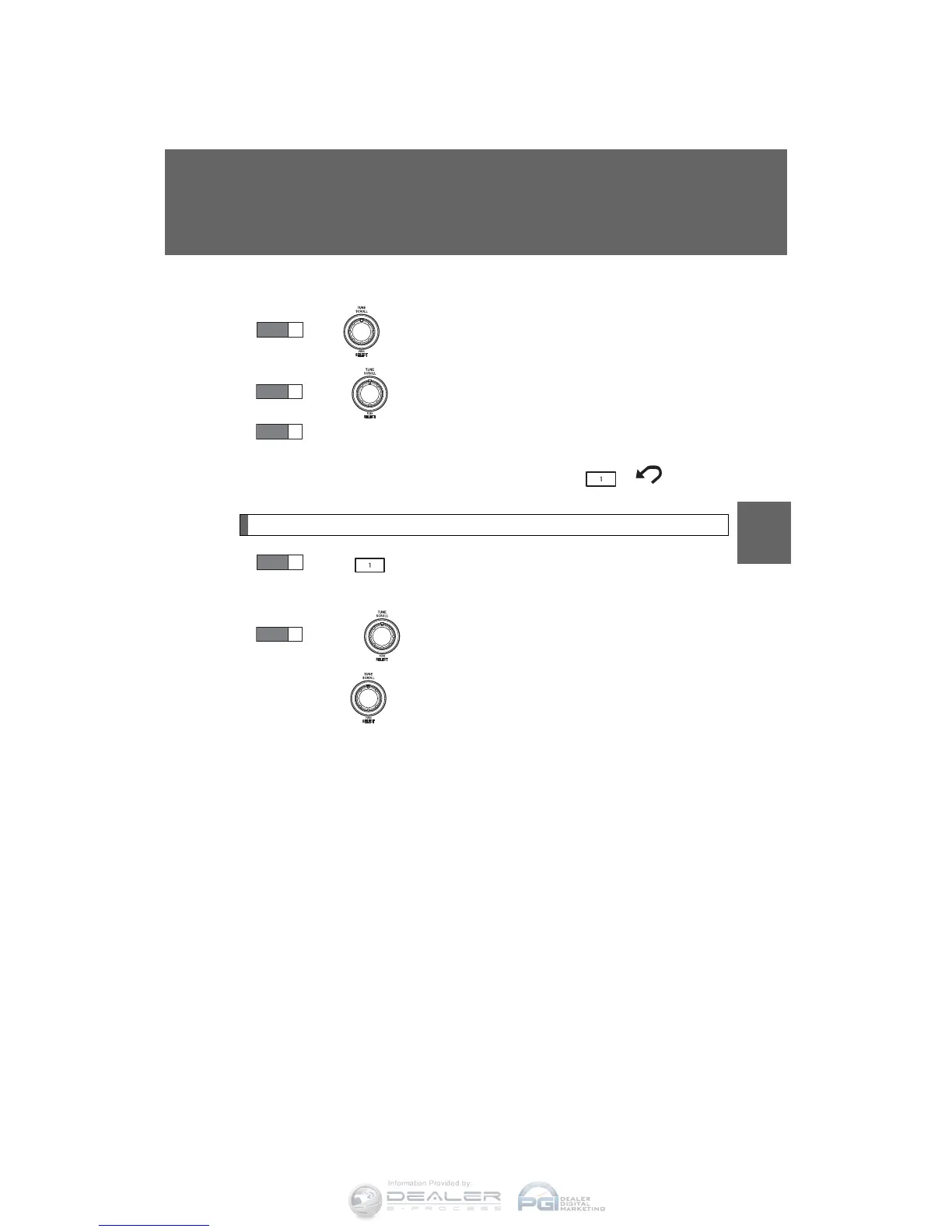
■ Selecting a list
Turn to display the first selection list.
Press to select the desired item.
Repeat the same procedure to select the desired song name.
To return to the previous selection list, press ( ).
Selecting songs from a song list
Press (LIST).
The current playlist is displayed.
Turning to select the desired song.
Press returns the screen from list display to the previous
screen.
STEP
1
STEP
2
STEP
3
STEP
1
STEP
2












 To Next Page