366
3-2. Using the audio system
4RUNNER_U
Selecting songs
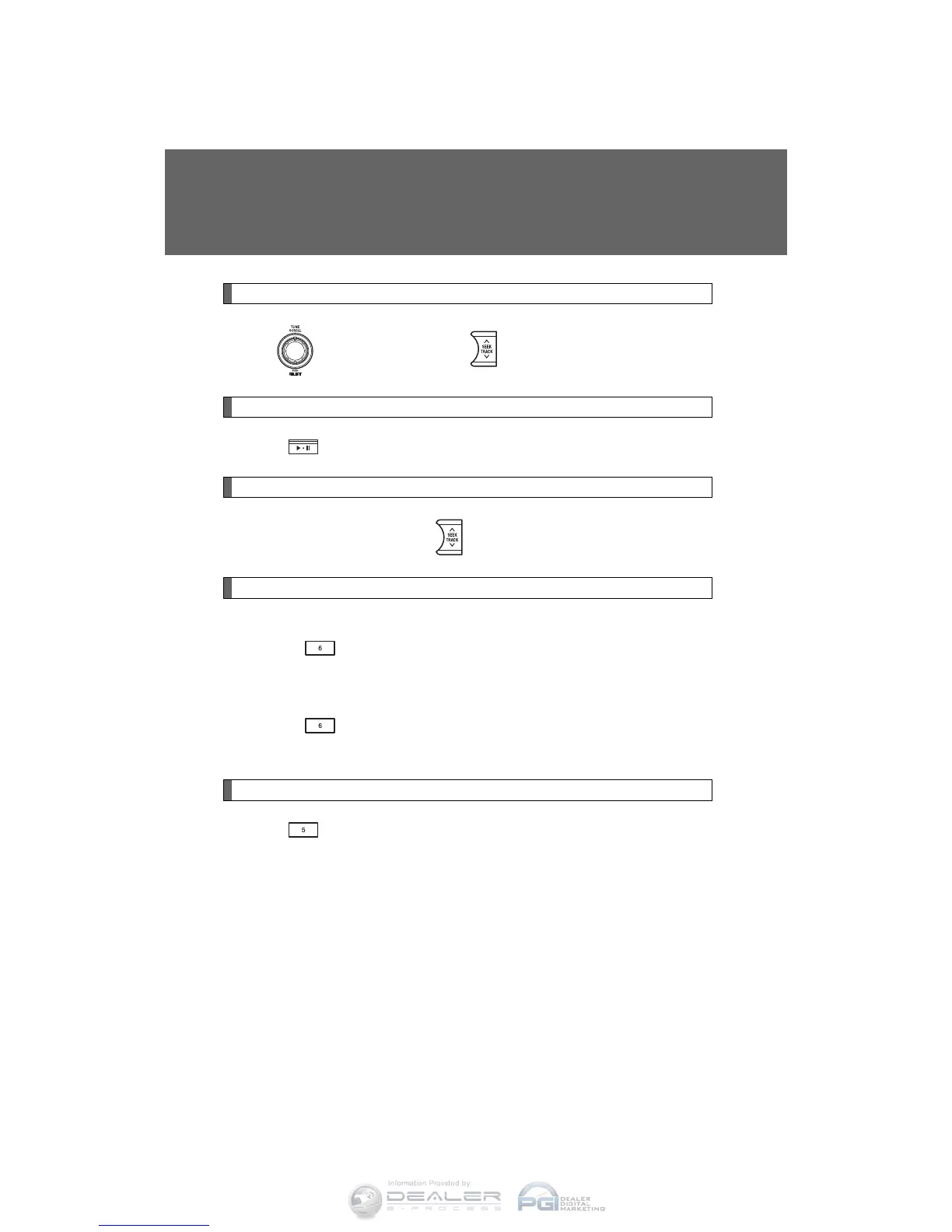
Turn or press “∧” or “∨” on to select the desired song.
Playing and pausing songs
Press .
Fast-forwarding and rewinding songs
Press and hold “
∧” or “∨” on .
Shuffle playback
■ Playing songs from one playlist or album in random order
Press (RDM).
To cancel, press the button twice.
■ Playing songs from all the playlists or albums in random order
Press (RDM) twice.
To cancel, press the button again.
Repeat play
Press (RPT).
To cancel, press the button again.
Even when the repeat play option has not been selected, playback will
automatically continue from the first song in the current play list once the
last song has ended.












 To Next Page