EasyManua.ls Logo

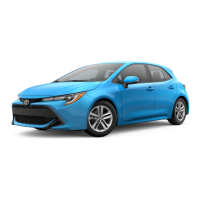
Toyota Corolla Hatchback 2019 - User Manual

Toyota Corolla Hatchback 2019
560 pages
Print Icon
To Next Page IconTo Next Page
Loading...
COROLLA H/B_U
1
2
3
4
5
6
7
8
9
9
10
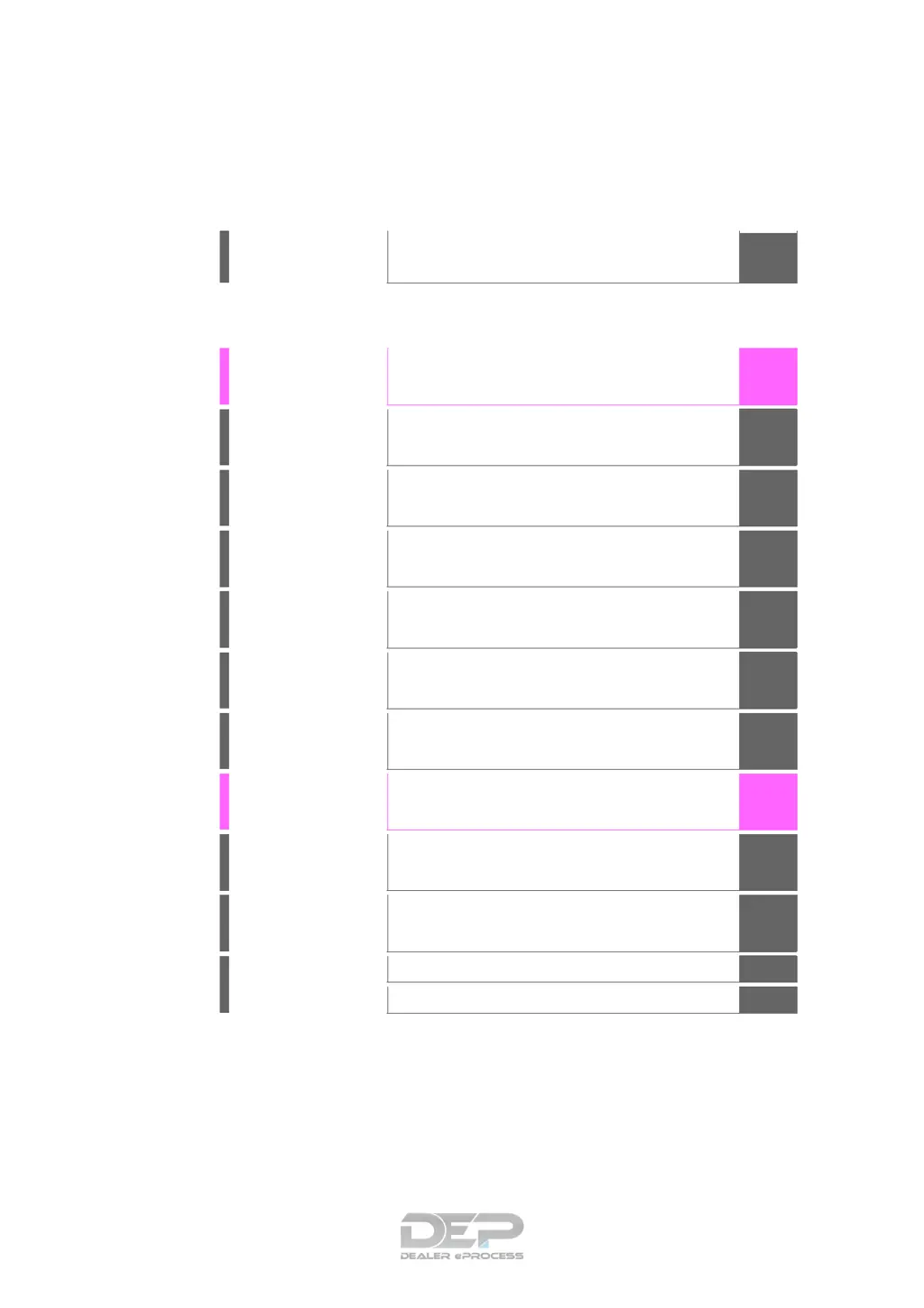
Pictorial index
Search by illustration
For safety
and security
Make sure to read through them
(Main topics: Child seat, theft deterrent system)
Vehicle status
information and
indicators
Reading driving-related information
(Main topics: Meters, multi-information display)
Before driving
Opening and closing the doors and windows,
adjustment before driving
(Main topics: Keys, doors, seats)
Driving
Operations and advice which are necessary for
driving
(Main topics: Starting engine, refueling)
Entune audio
Operating the Entune Audio
(Main topics: Audio/visual, phone, Toyota Entune)
Interior features
Usage of the interior features
(Main topics: Air conditioner, storage features)
Maintenance
and care
Caring for your vehicle and maintenance
procedures
(Main topics: Interior and exterior, light bulbs)
When trouble
arises
What to do in case of malfunction and emergency
(Main topics: Battery discharge, flat tire)
Vehicle
specifications
Vehicle specifications, customizable features
(Main topics: Fuel, oil, tire inflation pressure)
For owners
Reporting safety defects for U.S. owners, and seat
belt and SRS airbag instructions for Canadian
owners
Index
Search by symptom
Search alphabetically

Table of Contents

Questions and Answers

  • S
    Sarah MilesJul 27, 2025
    How to establish an Apple CarPlay connection in my Toyota Corolla Hatchback 2019 Automobile?
    • T
      Thomas HatfieldJul 27, 2025
      To establish an Apple CarPlay connection on your Toyota Automobile, first, make sure your device supports Apple CarPlay and that it's enabled on the device itself. Check the device settings. Confirm that “Apple CarPlay” on the general settings screen is set to on. Ensure the Lightning cable is certified by Apple Inc. and securely connected to both the device and the USB port. If issues persist, try to establish the Apple CarPlay connection again.
  • M
    Michael SimpsonAug 11, 2025
    Why does my Toyota Corolla Hatchback 2019 Apple CarPlay have screen artifacts or noisy audio?
    • I
      Isabel MurphyAug 11, 2025
      If the Apple CarPlay screen in your Toyota Automobile shows artifacts or the audio has noise, check the Lightning cable connecting your device to the system for damage. To test the cable, connect your device to another system like a PC to see if it's recognized. After checking the cable, try to establish the Apple CarPlay connection again.

Toyota Corolla Hatchback 2019 Specifications

General IconGeneral
BrandToyota
ModelCorolla Hatchback 2019
CategoryAutomobile
LanguageEnglish

Related product manuals