04 SIENNA_U (L/O 0408)
261
2004 SIENNA from Aug. ’04 Prod. (OM45422U)
The player can also be operated with the
switches on the screen.
To operate the switches on the screen,
select the switch by the joy stick and
push the “ENT” button. You cannot select
the switches on the screen by touching
them directly.
When the switch is selected by the joy
stick, the outline of the switch changes to
blue. Push the “ENT” button, and the
switch will be highlighted in green.
Controller
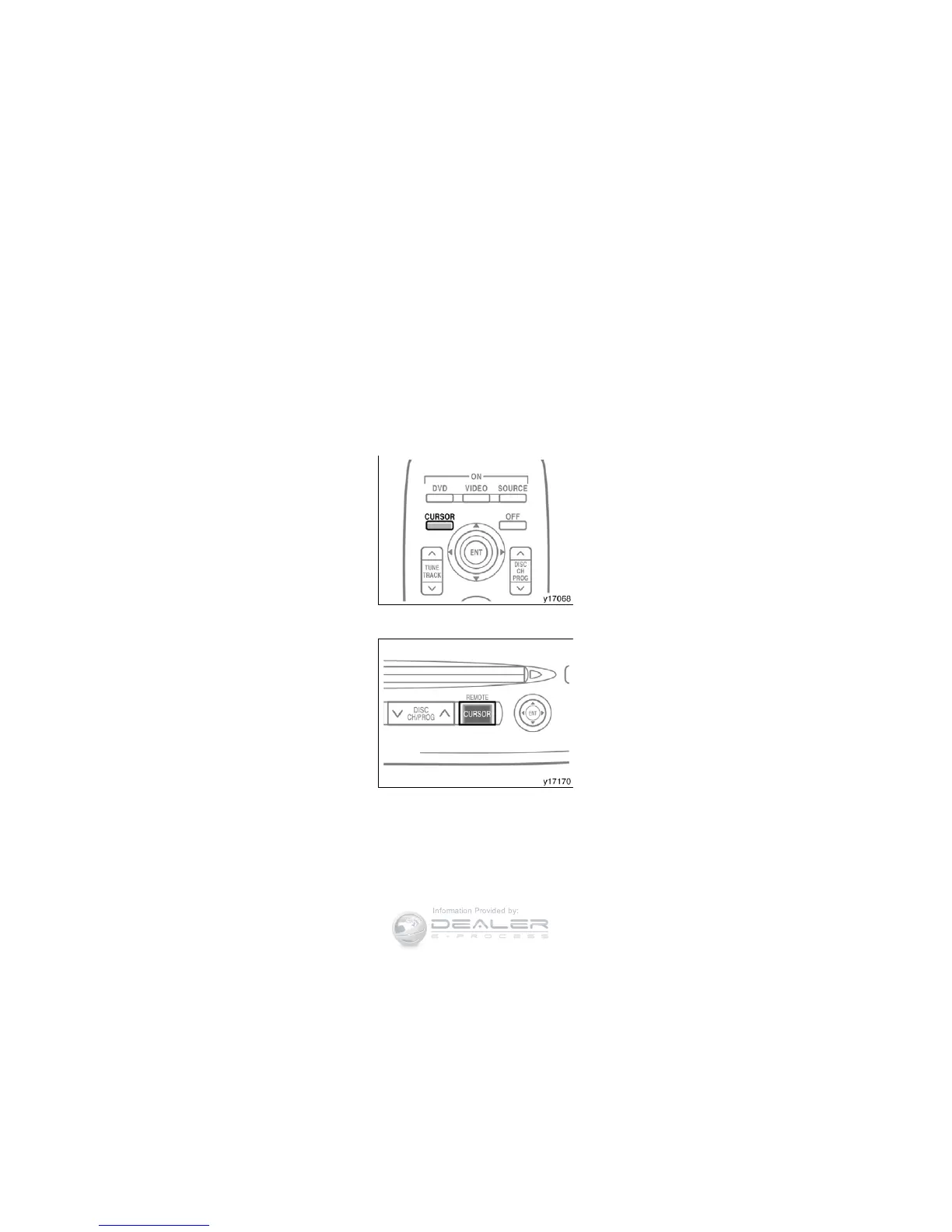
DVD player unit
TURNING THE OPERATION SWITCHES
ON AND OFF
To turn on the operation switches, push
the “CURSOR” button on the controller.


 To Next Page
 Loading...