7
11. Setup complete
Your Deco network is now up. You can
connect your devices to the Deco
network for better connections.
10. Keep your Deco up-to-date
Set auto update time. This allows your
Deco to automatically update to the
latest rmware which provides better
network experience.
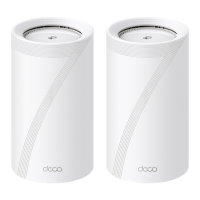
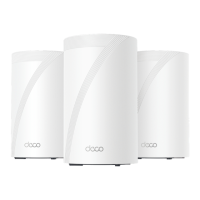
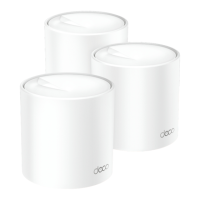
12. Plug in other Decos (if any)
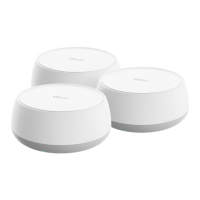
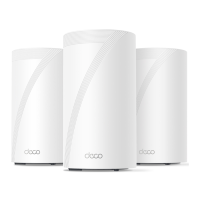
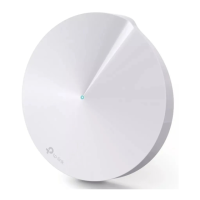
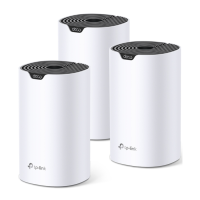
Place the other included Decos in a suitable position and
plug them on, and they will join the network automatically.





 To Next Page