4
5. Connect to the Deco's Wi-Fi
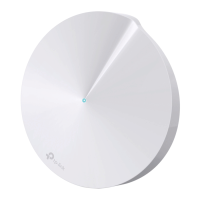
Wait until the Wi-Fi Signal LED pulses blue,
then connect to the Deco's Wi-Fi using the
default SSID printed on the product label.
6. Select a location
Select a location for this Deco. If its location
is not listed, you can create a new one by
choosing Custom. This will be the name of
your Deco.
4. Plug in and power on Deco
Power o your modem. Connect your Deco to
the modem and power them both on.
If you don't have a modem, connect the
Ethernet outlet directly to your Deco.


 To Next Page
