4
How to view the camera
Via Smartphone:
On the My Cam screen, tap your camera to view the
live video.
Via Computer:
Log in to the TP-LINK Cloud Website
(https://www.tplinkcloud.com), and click your camera
to view the live video.
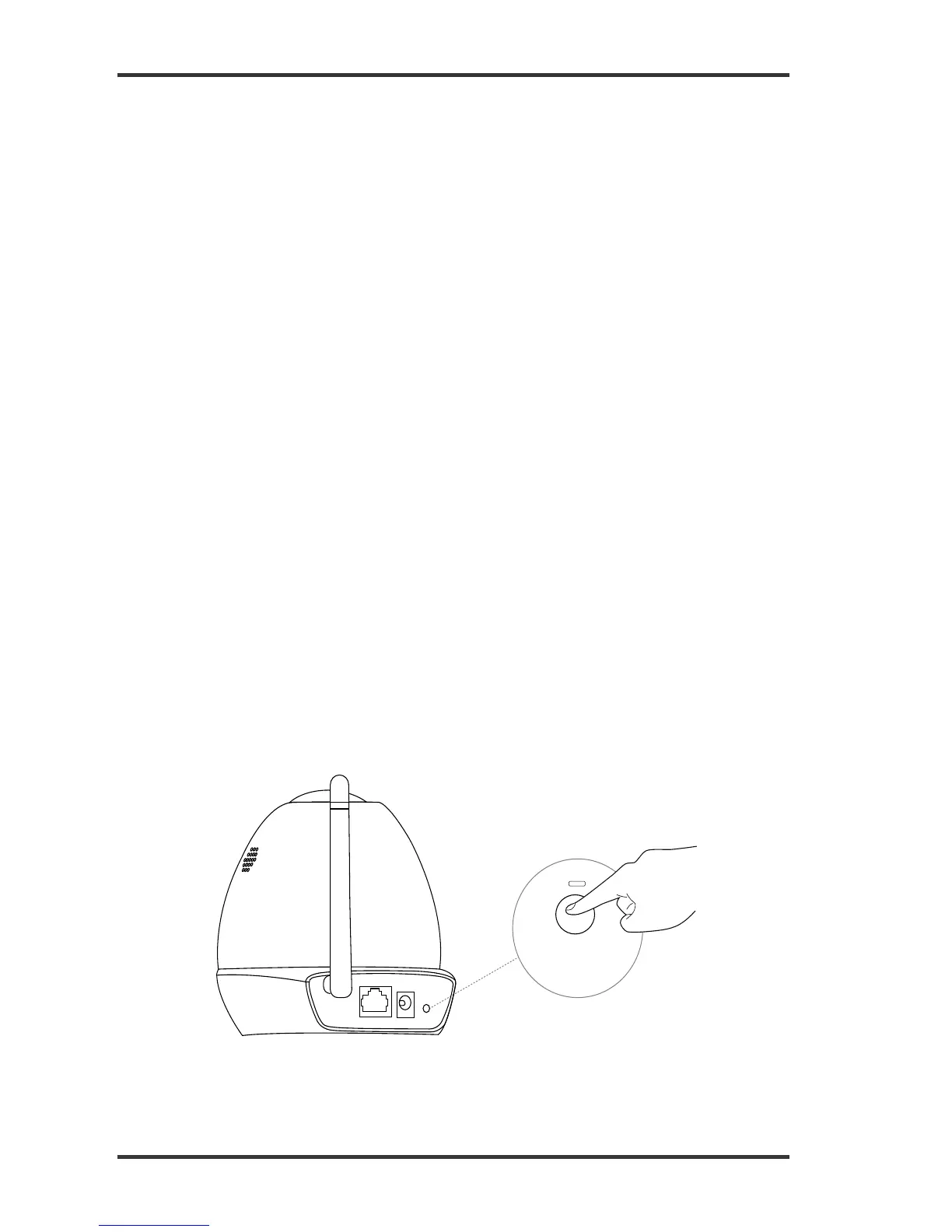
How to use the WPS/RESET Button
WPS (Wi-Fi Protected Setup):
If your Wi-Fi router or access point supports WPS,
you can connect the camera to your Wi-Fi network
using WPS. For details, see the camera’s User
Guide.


 To Next Page