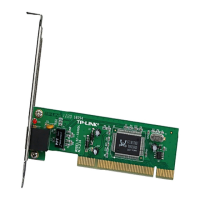
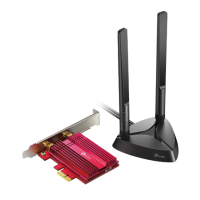
TL-WN751N/TL-WN751ND 150Mbps Wireless N PCI Adapter
11
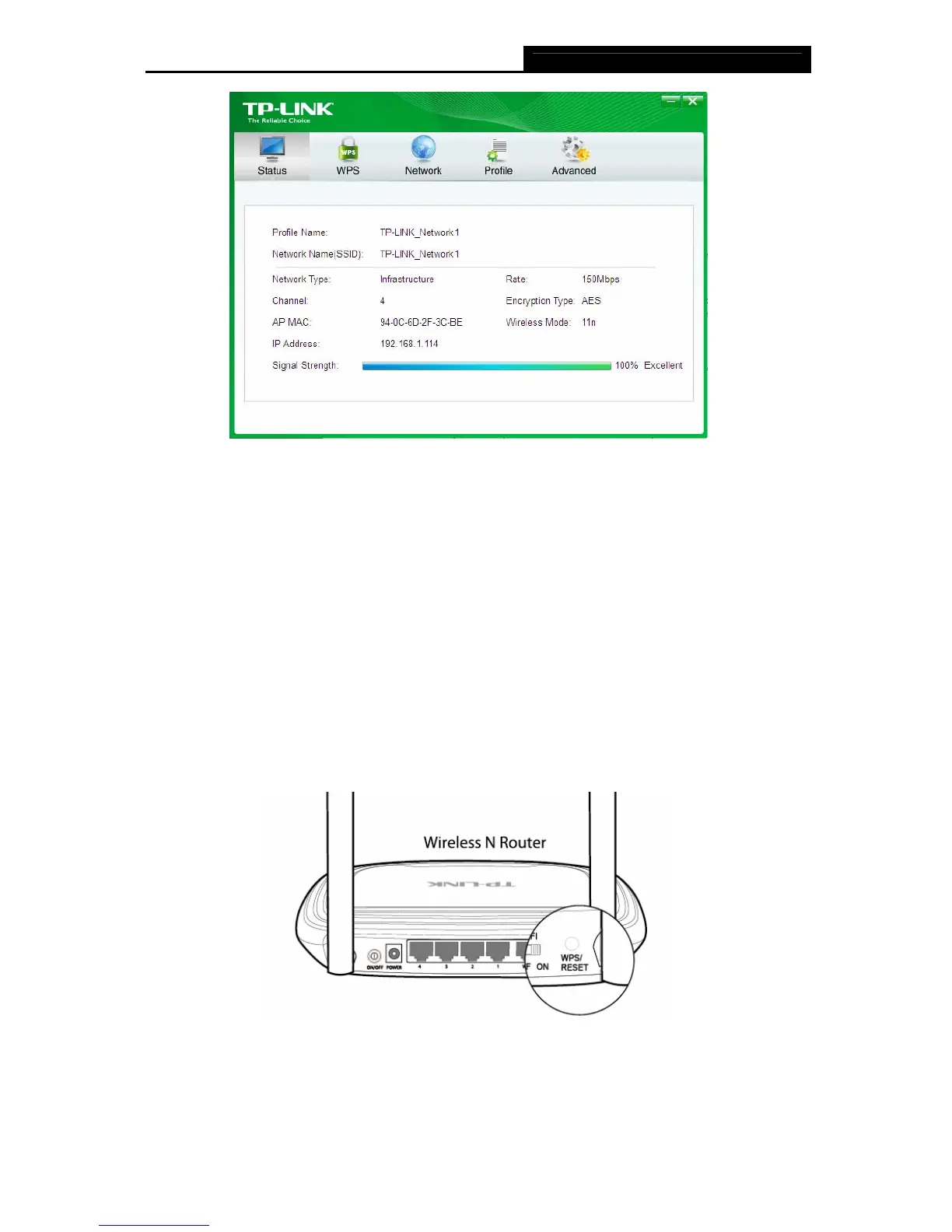
Figure 3-6
3.2 To connect using WPS
WPS (Wi-Fi Protected Setup) function allows you to add a new wireless device to an existing
network quickly.
If the wireless router supports Wi-Fi Protected Setup (WPS), you can establish a wireless
connection between wireless card and router using either Push Button Configuration (PBC)
method or PIN method.
3.2.1 PBC (Push Button Configuration) method
1. Press the WPS/RESET button for 2~3 seconds on the back panel of the router. Here takes
router TL-WR841ND for example.
2. Open TWCU and click WPS tab. Select Push the button on my access point or wireless
router and then click Connect.


 To Next Page