3
、
Erect PC t ransmitte r
Approp r i a t e l y erect b ased on t he current s ite condition for
optimal out come, refer t o the i nstructions on PC tr ans m itter
setu p for de t a ils.
14
4
、
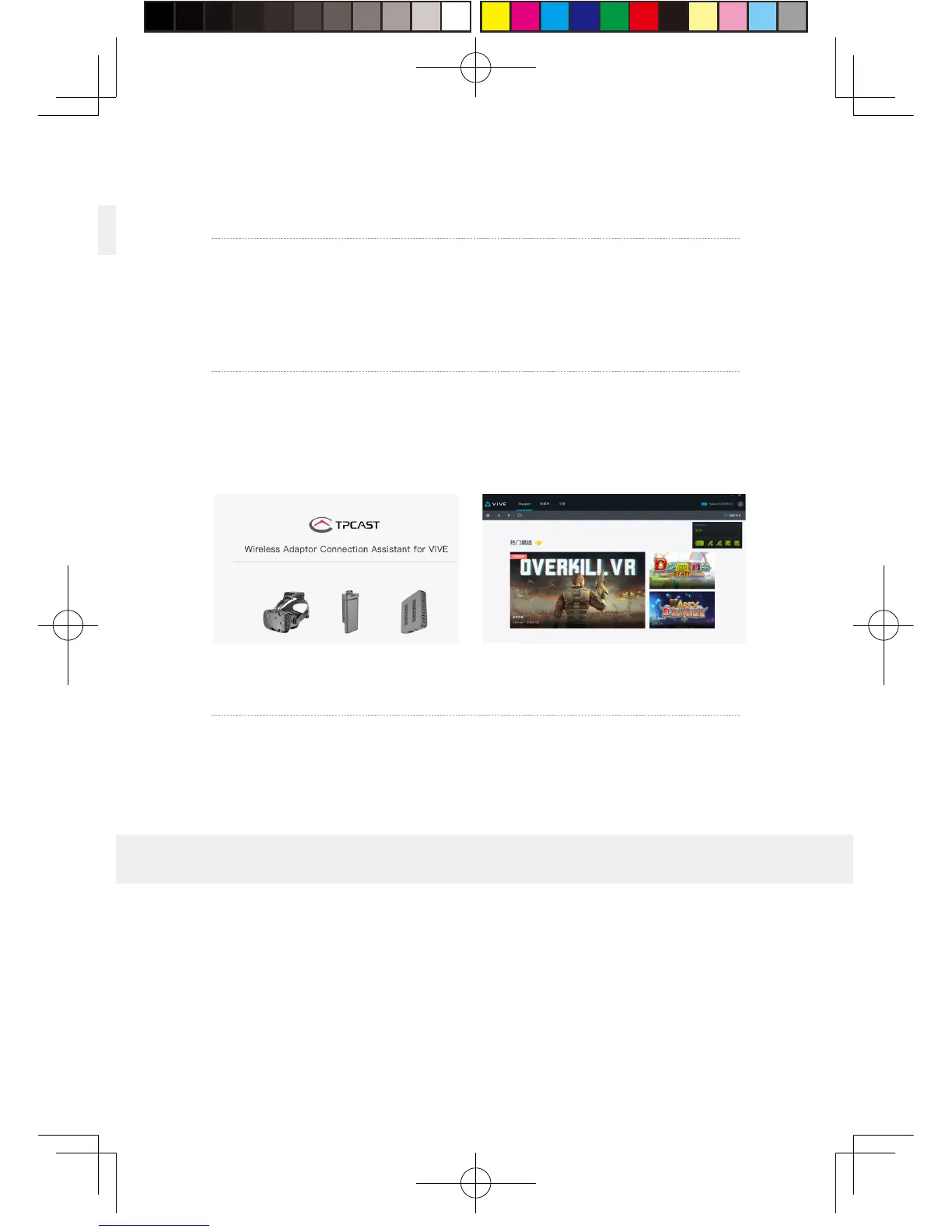
Run wirel e s s ada ptor connection assistant
Double - click t he PC deskt o p c lient icon, t hen click “Start ” after
the c lient s t arte d .It will aut omatically test the e nv i ronment
of wirel ess adaptor w orki n g in t urn .When wirel ess connection
star ts, please start VIVE Port and S t eamVR softw are.
5
、
En j o y wirel ess V R
In normal o p er a tion of wirel ess a d a ptor, t he i n dicat ors of b o t h
tr ansmitter a n d recei ver end will chang e from fast blinki n g to
normal ligh t mod e, H M D i magin g function and m a nual o p e ration
shall b e normal .
Erection of PC t ransmitter i s subject t o t he specific situation of
prop osed l ocation, t he set u p plan, t heref ore dif f erent set u p plan
will b e applie d accordin gly t o different cases. We recommend to
setu p t he PC t r ansmitter where cl ose to y our V IVE laser l ocator
(light house) and turn t he side with t a g s a gainst t he play area.
As shown b el o w :
6. Instructions on setup of PC transmitter


 To Next Page
 Loading...