EN – 12
Screen view Riding information
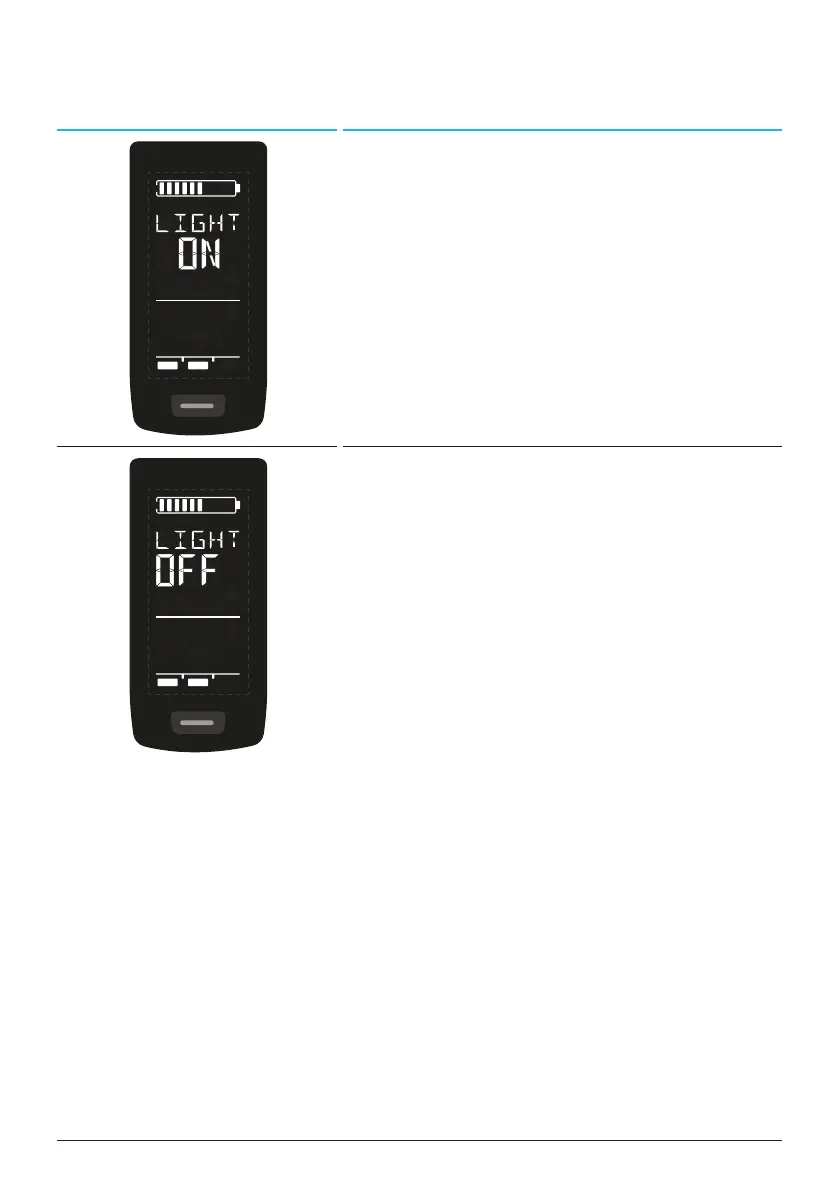
— Activated light (LIGHT ON)
— Switch on the light by pressing the UP
button and DOWN button at the same
time.
Depending on wheter the e-bike is equipped
with light and TQ smartbox (please see the
smartbox manual for more information).
— Deactivated light (LIGHT OFF)
— Switch off the light by pressing the UP
button and DOWN button at the same
time.
Tab. 4: Display – Riding information



 To Next Page