User’s manual
EN
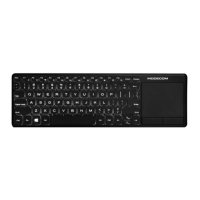
2.4 G Wireless keyboard
with touchpad
10
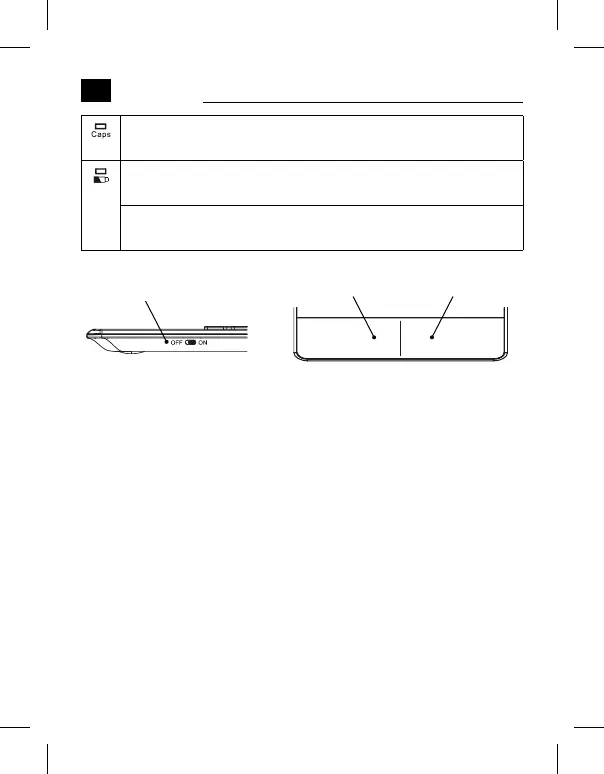
Capslock indicator: Press Capslock key, LED will be blue.
Press it again. LED will be o.
Power indicator: Once keyboard power on. LED will ash
red light.
Battery Low indicator: If battery is lower than 2.1 V, LED
will ash red light.
Power switch
Left mouse key Right mouse key
Connecting Steps:
Step 1. USB receiver connect to device’s USB port.
Step 2. Assembly 2 AAA batteries.switch power button to [ON]
side.
Step 3. [Power] indicator ashes red then o. Connected success-
fully.
Note:
In step 2, if fail to connect, press ESC+K, forcing to enter pairing
status.


 To Next Page