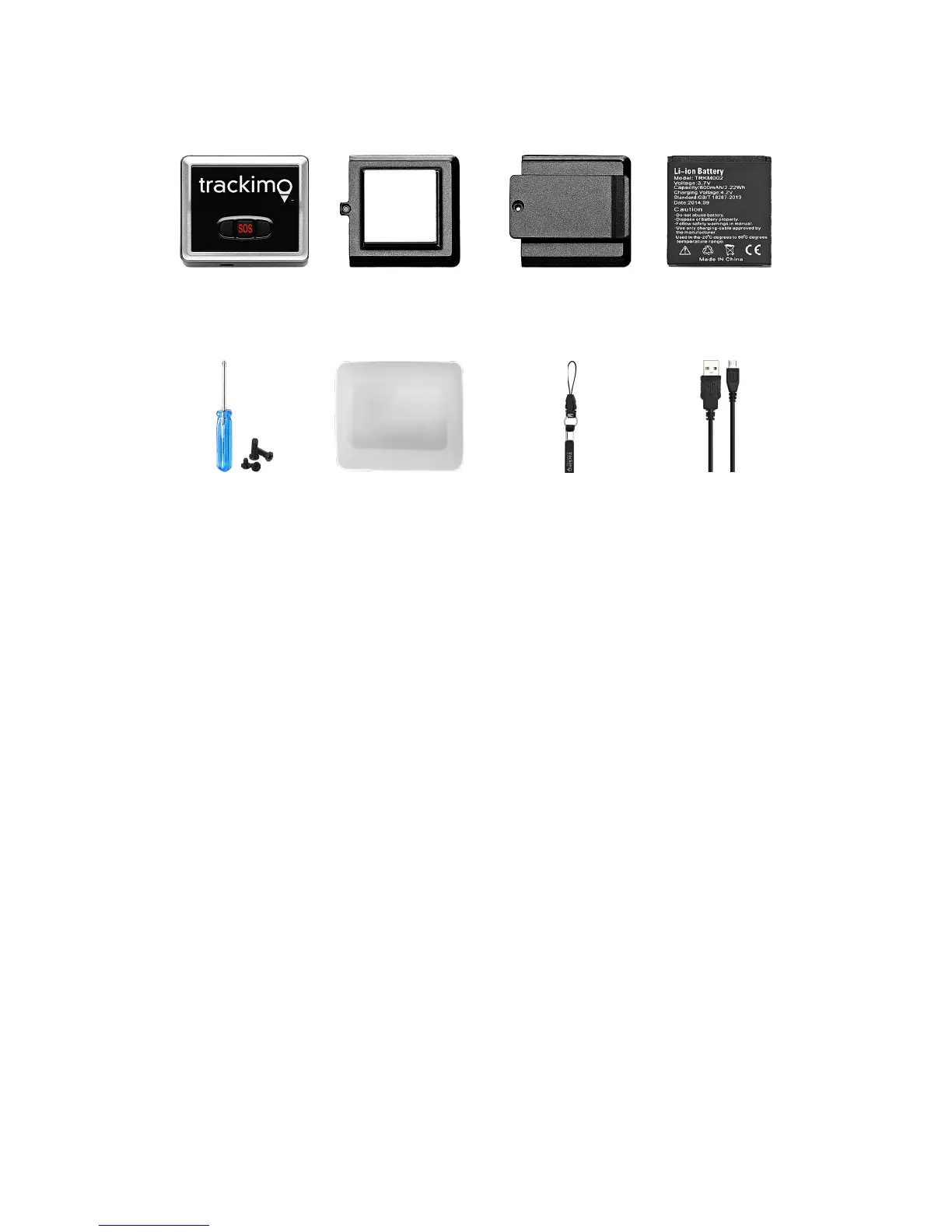
Set up your Trackimo
To set up Trackimo, ensure the device is fully charged before activating. During activation,
we recommend that you place your device in an open area with strong cellular service.
Press the red button on the top of the device and hold for at least 5 seconds. Then wait at
least 3 minutes for the device to set up a connection with Singtel network. Once you see a
green light flashing on the front of the device, it is ready to be activated via the Singtel
AssuredPlus app.


 To Next Page