EasyManua.ls Logo

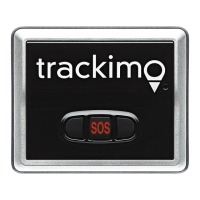
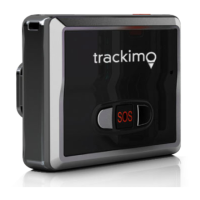
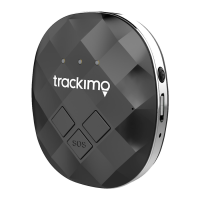
TRACKIMO TRKM002/010 - Light and sound meanings

TRACKIMO TRKM002/010
Print Icon
To Next Page IconTo Next Page
To Previous Page IconTo Previous Page
Loading...
EN37
Light and sound meanings
Action Light Sound
Press the on/off button
and hold
Green light blinks three
times, the tracker starts up
Short beep
sound
Press the on/off button
and hold
Red light blinks twice, the
tracker turns off
Long beep
sound
Press the on/off button
quickly
Left blue light blinks, the
tracker turns on
No sound
Connected to the
mobile network
Blue light turns on for
4 seconds
Long beep
sound
Press any button Green light turns on for
3 seconds
No sound
Press the SOS button
and hold
Both blue lights blink
twice
Long beep
sound
Press and hold the left
or right button
The corresponding blue
light blinks twice
Long beep
sound

Table of Contents

Related product manuals