EasyManua.ls Logo

TrackMan TMAN II - User Manual

Default Icon
20 pages
Print Icon
To Next Page IconTo Next Page
Loading...
ISG/MANU/06001i1
TrackMan™ “TMAN II” Hardware Operating Manual
Issue 1, March 2006
Page 1 of 20
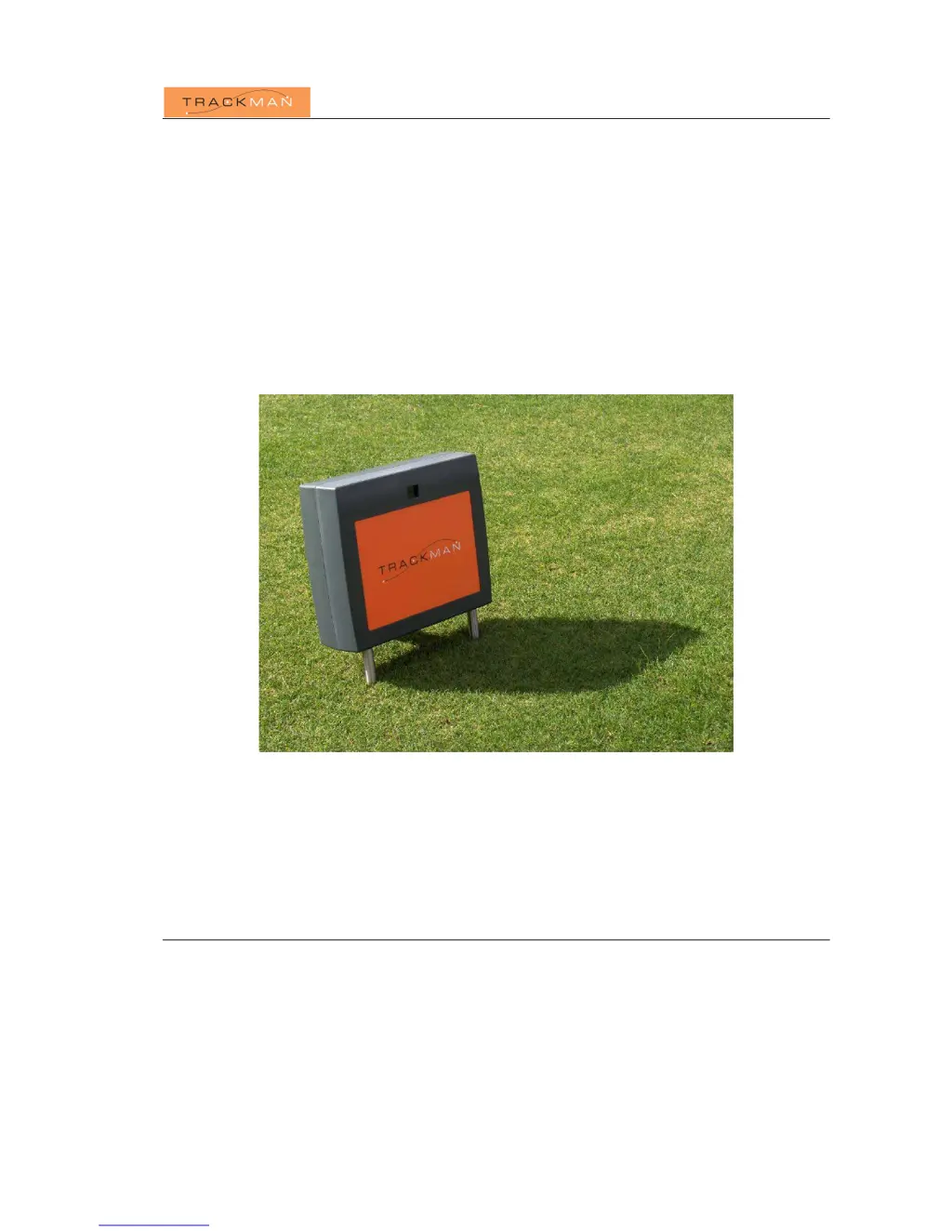
TrackMan™ Radar Unit
Model: TMAN II
Installation and Operating Manual
Issue 1
Patent pending
ISG A/S support@isg.dk

Questions and Answers

  • C
    Charlotte TrevinoAug 4, 2025
    What to do if TrackMan Radar application software is not able to communicate with the Radar Unit?
    • C
      campbelljamesAug 4, 2025
      If the TrackMan Radar application software cannot communicate with the Radar Unit, verify that the USB cable is correctly connected to both the Radar Unit and the computer, and that the radar's power supply is on or the battery is charged. If a USB hub is in use between the computer and the Radar Unit, remove it. Try unplugging and re-inserting the USB or power cable at the radar end. For further assistance, consult the TrackMan application software diagnostic tools.
  • W
    Wanda CunninghamAug 10, 2025
    Why is the measurement data incorrect on my TrackMan TMAN II?
    • M
      Megan AndersonAug 11, 2025
      If the measurement data seems incorrect, ensure the golf ball is launched from the area indicated in the TrackMan application software. Also, confirm that the TrackMan is properly leveled and aligned towards the desired target direction. The altitude of the golf ball being launched should be within 5 cm of the surface where the TrackMan Radar Unit rests. Remove any solid objects, especially large metallic items like golf clubs or bags, from in front of the TrackMan Radar Unit. For further assistance, consult the TrackMan application software diagnostic tools.
  • R
    Roger SilvaAug 18, 2025
    What to do if no triggering occurs when launching a golf ball with TrackMan TMAN II?
    • U
      usolomonAug 18, 2025
      If no triggering occurs when launching a golf ball, ensure the TrackMan Radar Unit is powered on and properly leveled. Verify the golf ball is launched from the indicated area shown in the TrackMan application software. If the issue persists, exit the TrackMan application software, reboot the computer, and try again. For further assistance, consult the TrackMan application software diagnostic tools.
  • J
    Jessica MccannAug 27, 2025
    How to fix TrackMan TMAN II Radar Unit that doesn't level correctly?
    • A
      armstrongsharonAug 27, 2025
      If the TrackMan Radar Unit doesn't seem to level correctly, check that the power cable/battery and USB cable are connected. Ensure the AC adapter is turned on, or the battery is charged, and that the green light appears in the Power LED. If the motors have reached their end stops, reposition the radar on a more leveled surface. If the motors are trying to move the legs but nothing happens, the legs might need cleaning and grease.

Summary

REGULATORY NOTICE

FCC Compliance

Details FCC compliance requirements and operational conditions for the device.

RADIATION HAZARD WARNING

Radiation Safety

Provides safety warning about microwave radiation and recommended safe distance.

SAFETY INSTRUCTIONS

General Safety Guidelines

General safety guidelines for handling and operating the TrackMan™ radar unit.

Power Safety

Specific safety instructions related to power connection and usage.

WARRANTY INFORMATION

Introduction

System Description

Technical Specifications

Lists detailed technical specifications of the TrackMan™ Radar Unit, including dimensions and power.

Setting Up the System

General Setup Comments

Provides guidance on the system's requirement for a clear line-of-sight to the ball.

Step-by-Step Setup

Details the sequential steps required to correctly set up the TrackMan™ system.

System Leveling

Explains the automated leveling process controlled by the software and its importance.

End of Use

Troubleshooting

Transportation, Storage, and Maintenance

Transportation

Guidelines for safely transporting the TrackMan™ Radar Unit, including packaging recommendations.

Maintenance

Instructions for cleaning and maintaining the TrackMan™ Radar Unit and its components.

Storage

Recommendations for storing the TrackMan™ Radar Unit when not in use to ensure longevity.

TrackMan TMAN II Specifications

General IconGeneral
CategoryRadar
ManufacturerTrackMan
ModelTMAN II
Measurement RangeUp to 300 meters
RangeUp to 300 meters
Dimensions200 x 150 x 100 mm