Activate your
Tractive GPS DOG device
3
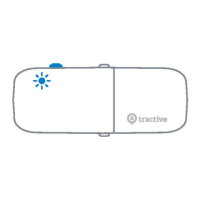
Follow the instructions in the Tractive GPS
app or at my.tractive.com to activate your
device. The 8-digit Tracker ID can be found
on the backside of your device.
Attach your Tractive GPS DOG
to your dog's collar
4
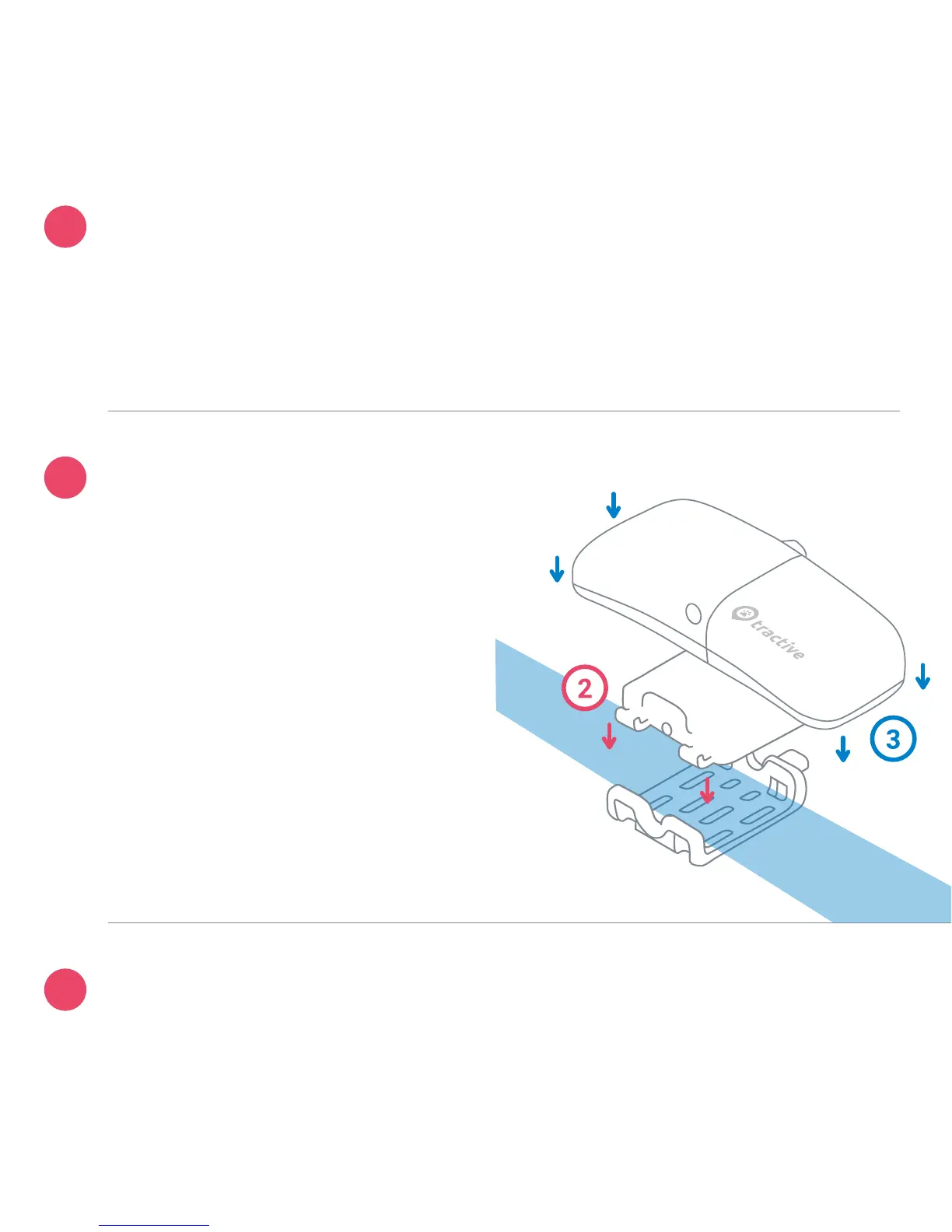
1. Remove your dog's collar.
2. Place the collar in between
the clip and the collar mount.
Fasten the clip onto the mount.
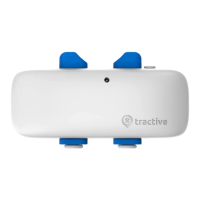
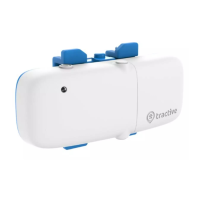
3. Attach the Tractive device to
the mount and ensure the
device is fully secured.
You are ready to go!
Happy Tracking!
Need more information?
Visit tractive.com/manuals
?
ABCDEFGH



 To Next Page