3
Before you begin, follow these steps to make sure
you have everything you need to complete the
installation.
NOTE: Henceforward, this manual uses the term
“interface box” to refer to the multi-service interface
box/controller.
a. Unpack the box and ensure it contains
everything shown on the Kitpack Contents
List. Save the packaging for future use.
b. Carefully examine all of the supplied parts to
ensure nothing was damaged in shipment.
c. Gather all of the tools and materials listed
below. You will need these items to complete
the installation.
• #2 Phillips screwdriver
• 7/16" open-end wrench
•Cutting pliers
• Silicone sealant, RTV, or equivalent
• Construction adhesive suitable for the
roof
• Fasteners suitable for mounting the
antenna to the roof
• 5/8"- diameter hole saw
• Augat IT1000 connector installation tool
(KVH part #19-0242)
• Eight 1/4" fasteners (see “Mount the
Interface Box” on page 10)
• RG-6 or RG-11 RF coax cable(s) to connect
the receiver(s) (see “Wire the Interface
Box” on page 8)
• Satellite TV receiver(s) for your desired
service (see Figure 2 for a list of validated
receivers; for information on connecting
different receiver models, contact KVH
Technical Support at 401-847-3327)
Always lift the antenna by the baseplate and
never by the radome or any portion of the
internal antenna assembly (see Figure 1).
IMPORTANT!
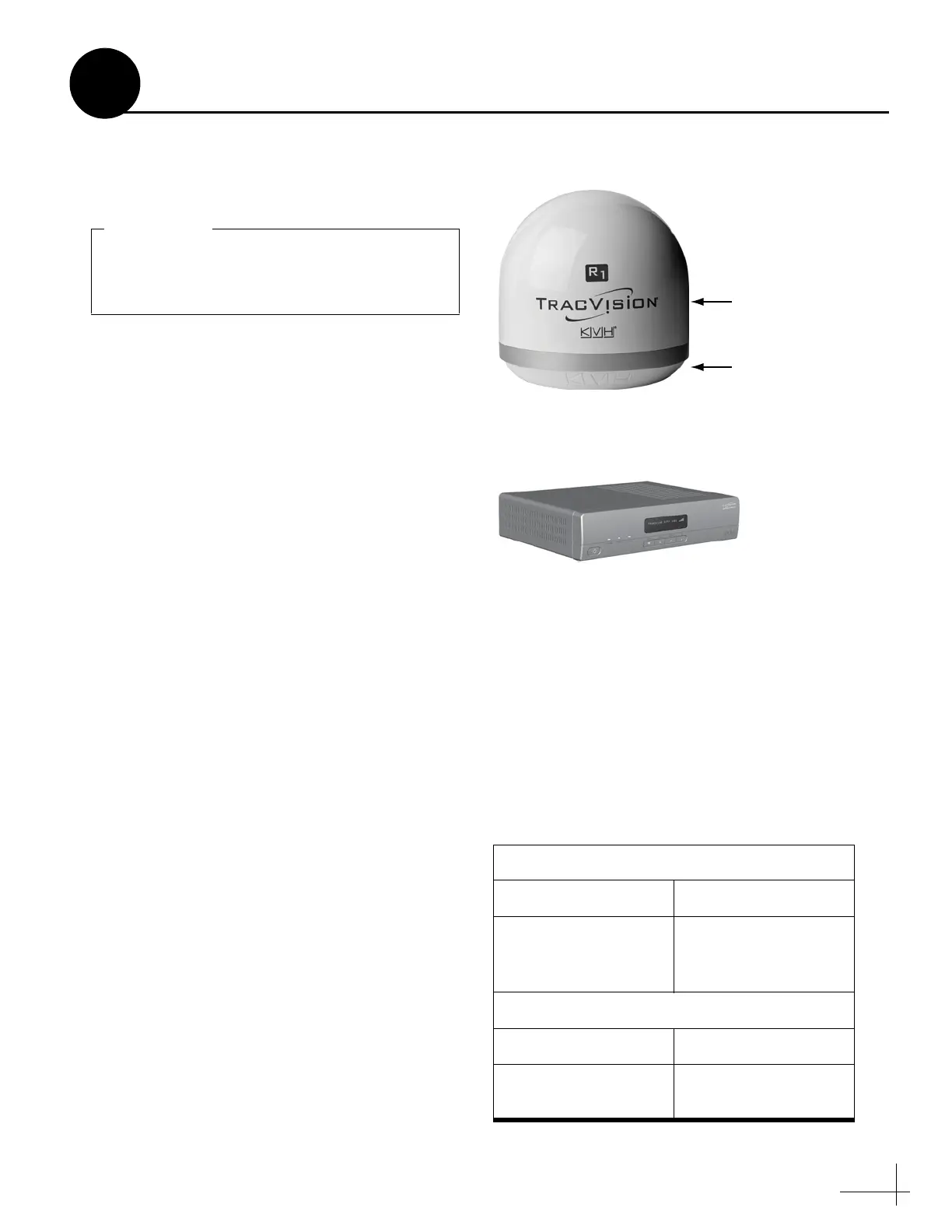
Multi-service Interface Box/Controller
Figure 1: TracVision R1DX System Components
Figure 2: KVH-Validated Receivers
Standard-Definition Models
DIRECTV DISH Network
D12
D11
(discontinued)
D10 (discontinued)
311 (discontinued)
211k
211
High-Definition (HD) Models
DIRECTV DISH Network
HD not supported 211k
211
Inspect Parts and Get Tools
1



 To Next Page