EasyManua.ls Logo

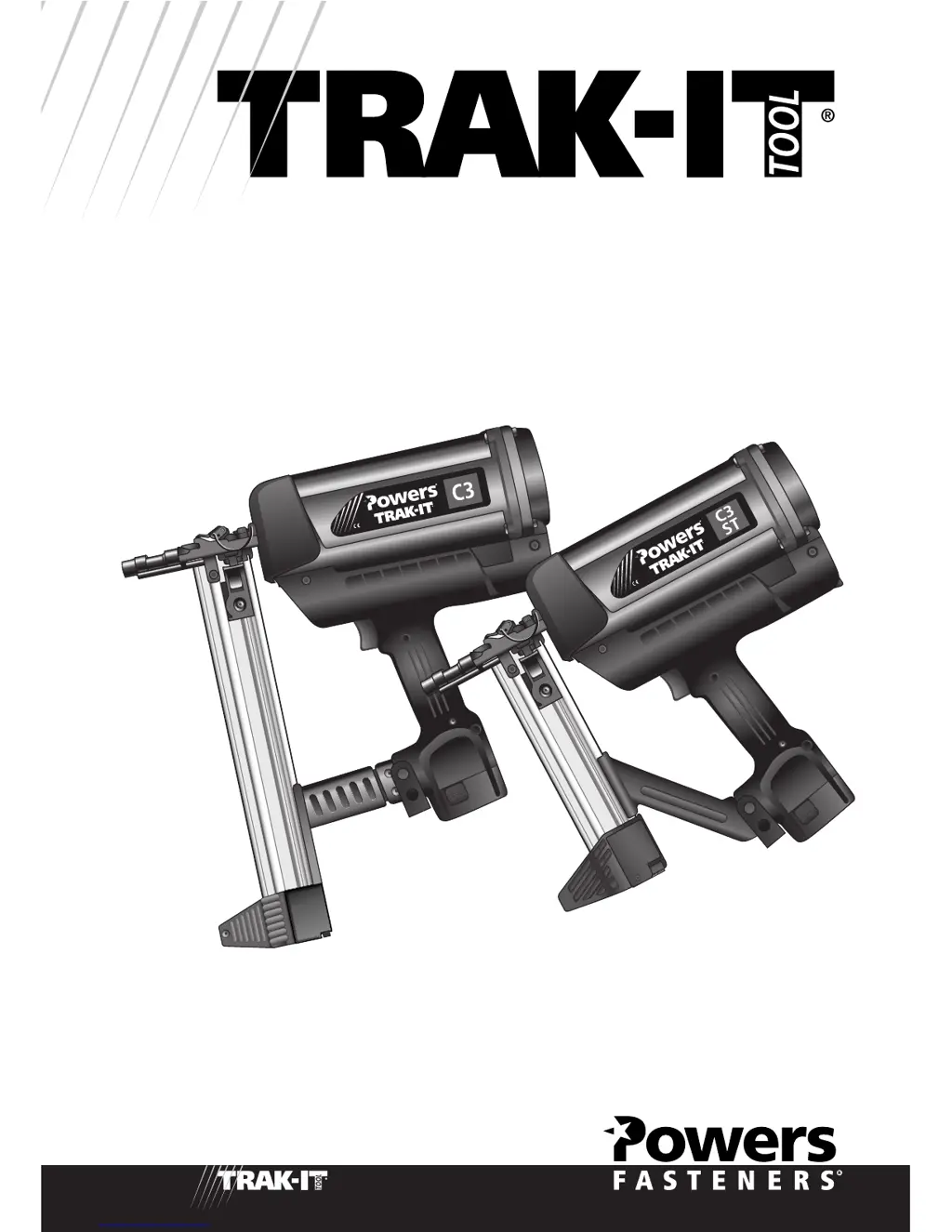
TRAK-IT C3 - User Manual

TRAK-IT C3
100 pages
Print Icon
To Next Page IconTo Next Page
Loading...
OPERATORS MANUAL
TRAK-IT TOOL MODEL C3, C3 ST

Questions and Answers

  • J
    Jessica DavidsonAug 17, 2025
    What to do if TRAK-IT C3 Power Tool operates, but no fastener is driven?
    • A
      amanda54Aug 17, 2025
      If the TRAK-IT Power Tool operates, but no fastener is driven, the fastener strip may be binding. Ensure that you are using only fasteners meeting Powers Fasteners specifications. Also, the follower might not be properly engaged behind the fastener. Make sure to locate the follower behind the fastener strip and engage the strip according to the instructions in the Operating Manual. Finally, there may be a jammed fastener. Clear the jam according to the Operating Manual.
  • F
    Felicia Beard MDAug 20, 2025
    Why TRAK-IT Power Tool operates erratically or appears to be losing power?
    • T
      Tammy GuzmanAug 20, 2025
      If the TRAK-IT Power Tool operates erratically or appears to be losing power, the fuel cell may be low. Check the fuel cell according to the Operating Manual. Also, the filter element could be dirty, causing the tool to overheat. Remove the filter element and clean it according to the Operating Manual, using compressed air to remove stubborn debris.
  • J
    Jason AdamsAug 22, 2025
    What to do if TRAK-IT C3 Power Tool will not cycle, but fan runs?
    • P
      Pamela StanleyAug 22, 2025
      If the TRAK-IT Power Tool will not cycle but the fan runs, the fuel cell may be empty. Replace the fuel cell.
  • J
    Jamie MartinezAug 25, 2025
    What to do if contact arm does not depress fully on TRAK-IT C3?
    • K
      Karen HarrisonAug 26, 2025
      If the contact arm on your TRAK-IT Power Tool does not depress fully and the tool does not operate, the lockout bar might be stuck in the lockout position. Check the safety cam bushing screw for excessive tightness. If necessary, open the nose piece door and clean out any build-up of debris from the track. Also, the follower may not be behind the strip, so put the follower behind the strip.
  • J
    Jennifer ThomasAug 27, 2025
    Why red and green LEDs on TRAK-IT Power Tool charger are blinking simultaneously?
    • S
      stevenwestAug 27, 2025
      If the red and green LEDs on the TRAK-IT Power Tool charger are blinking simultaneously, the battery may be damaged or its cycle life may be exhausted. Replace the battery.
  • J
    Jennifer DelgadoAug 30, 2025
    Why TRAK-IT Power Tool fan runs intermittently?
    • R
      Robert HaynesAug 30, 2025
      If the TRAK-IT Power Tool fan runs intermittently, the battery may be loose or the contacts may be bent. Snap the battery back into its locked position and bend the contacts back into their proper position.
  • B
    Brenda WolfSep 2, 2025
    How to fix TRAK-IT C3 Power Tool battery cell that does not appear to accept charge?
    • R
      Raymond BrownSep 2, 2025
      If the TRAK-IT Power Tool battery cell does not appear to accept a charge and the green charger light does not come on after several hours, it could be due to inoperative indicator lights on the charger. Try the battery in the tool after 3 hours on the charge cycle. If the tool functions properly, the charger lights are not working correctly. Replace the charger, or monitor the charging time to ensure the battery cell has adequate time for recharging. It's normal for the battery to feel warm after properly charging. Another cause could be a damaged charger. Discontinue use immediately and unplug the charger from the power source. Replace the charger and tag or dispose of it to prevent accidental reuse or connection to a power source.
  • B
    Brianna RichardSep 5, 2025
    Why TRAK-IT C3 fan does not run?
    • D
      Dustin LeeSep 5, 2025
      If the fan on your TRAK-IT Power Tool does not run, it could be because the battery is not charged. Charge the battery according to the Operating Manual. Alternatively, the battery terminals or handle battery contacts may be oily, dirty, or corroded. Clean the battery cell terminals and handle battery cell contacts as required.
  • M
    Molly MaddoxSep 7, 2025
    Why TRAK-IT C3 Power Tool fan does not run, or runs slower than normal?
    • C
      Catherine SpenceSep 8, 2025
      If the fan on your TRAK-IT Power Tool does not run, or runs slower than normal, the battery is likely discharged. Charge the battery cell.
  • A
    Angela CohenSep 12, 2025
    Why red and green LEDs on TRAK-IT C3 charger are blinking alternately?
    • A
      Austin BradfordSep 12, 2025
      If the red and green LEDs on the TRAK-IT Power Tool charger are blinking alternately, the battery is likely hot. Remove the battery from the charger and allow it to cool.

TRAK-IT C3 Specifications

General IconGeneral
BrandTRAK-IT
ModelC3
CategoryPower Tool
LanguageEnglish