EasyManua.ls Logo

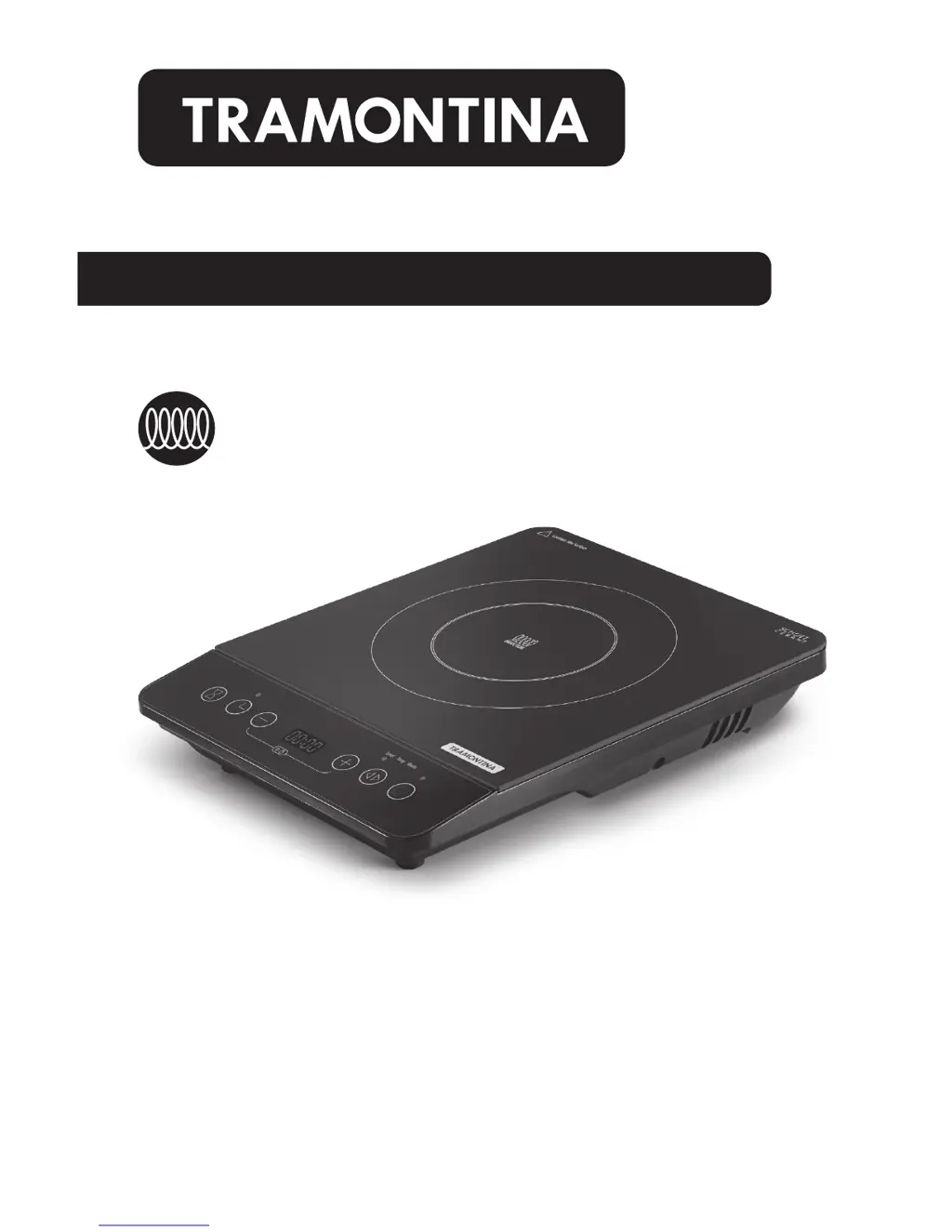
Tramontina 81500/100 - User Manual

Tramontina 81500/100
13 pages
Print Icon
To Next Page IconTo Next Page
Loading...
Use & Care Instructions
Read All Instructions Carefully.
Save These Instructions.
INDUCTION COOKING SYSTEM
Gas Electric Ceramic Glass
Dishwasher-Safe
Oven-Safe
500ºF
260ºC
Induction
PRACTICAL • VERSATILE • INNOVATIVE
Energy Efcient
A New Way of Cooking

Questions and Answers

  • N
    Nicholas EvansAug 2, 2025
    Why does my Tramontina Cookers suddenly stop heating during cooking?
    • M
      Maria AndersonAug 2, 2025
      If your Tramontina Cooker stops heating during cooking, it could be due to several reasons: the oil temperature may be too high when frying, the work area's temperature might be very high, the cooktop's air inlet or outlet could be blocked, or the default heating time might have completed. The self-safety protection may have activated. In this case, wait a few minutes and then reconnect the power.
  • M
    Miguel DunnAug 9, 2025
    What to do if my Tramontina Cookers shows error code E7 E8?
    • S
      Sarah EverettAug 9, 2025
      If your Tramontina Cooker displays error code E7 or E8, turn off the cooktop. When the voltage becomes normal, turn it back on; it should then operate as usual.
  • C
    Cynthia ChapmanAug 13, 2025
    What to do if my Tramontina 81500/100 shows error code E3 E6?
    • P
      Philip SmithAug 14, 2025
      If your Tramontina Cooker displays error code E3 or E6, wait a moment and press the “Power” button. When the temperature of the cooktop becomes normal, the cooktop will operate as usual.
  • P
    pesparzaAug 20, 2025
    What to do if my Tramontina 81500/100 power is on but it's not heating?
    • G
      George JonesAug 21, 2025
      If the power indicator lights up and the display works normally, but your Tramontina cooker doesn't start heating, check if you are using the proper cookware and that the appliance is not in Level Mode. For other causes, please contact Tramontina’s Customer Service Department.
  • R
    Rebecca CollinsAug 26, 2025
    How to troubleshoot a Tramontina Cookers that won't turn on?
    • K
      Kimberly CastilloAug 26, 2025
      If the indicator and display of your Tramontina Cooker do not light up after plugging in the power cord and pressing the “Power” key, check if the power plug is properly connected. Also, inspect the switch, power outlet, fuse, and power cord for any damage.

Summary

Important Safeguards

General Safety Precautions

Essential safety rules for operating the induction cooktop.

Safety Instructions

Operational Safety Guidelines

Detailed safety measures and warnings for user protection and appliance longevity.

Product Introduction

Control Panel Overview

Identifies and explains the functions of the induction cooktop's control panel components.

Operating Instructions

How Induction Works

Explains the principle of induction cooking using magnetic fields.

Using the Touch Controls

Guides on interacting with the touch-sensitive control panel for operation.

Cooking Modes

Details available cooking modes and their respective settings and operations.

Timer and Delayed Start

Instructions for setting cooking times and using the delayed start feature.

Lock Function and Switching Off

Explains how to lock controls and properly turn off the induction cooktop.

Compatible Cookware

Cleaning and Maintenance

Troubleshooting

5 Year Limited Warranty

Induction Ready Cookware

Cookware Use and Care

Guidance on using and cleaning the induction-ready cookware for optimal performance.

Tramontina 81500/100 Specifications

General IconGeneral
TypePressure Cooker
CategoryCookers
MaterialStainless Steel
Diameter22 cm
Lid MaterialStainless Steel
Handle MaterialBakelite
Product NameTramontina 81500/100
Suitable forGas, electric and glass-ceramic stoves