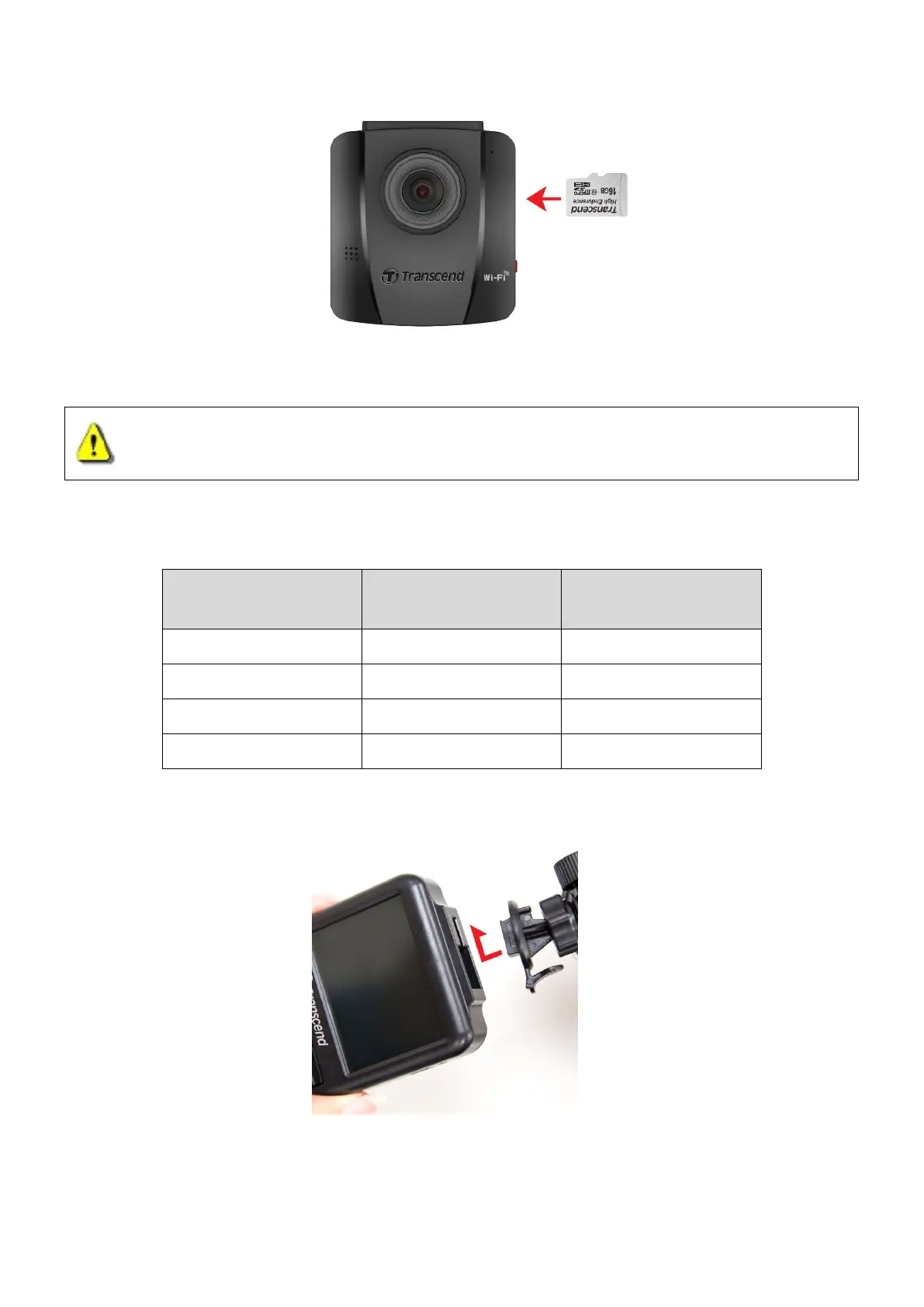
2. To remove, push to eject the memory card out of the slot.
WARNING: Do not remove the memory card during shutdown to avoid damages
to the memory card and loss of recorded videos
The following table shows approximate recording time according to capacity and resolution
Full HD 1080P 30fps HD 720P 30fps
16GB 2 hr 15 min 4 hr 50 min
32GB 4 hr 30 min 9 hr 40 min
4-3 Mounting the DrivePro™
1. Insert the mount bracket into the top of the DrivePro™, and slide sideways until you hear a click.
2. Thoroughly clean and dry the area of the windshield you wish to mount the DrivePro™. If
possible, mount the DrivePro™ in the middle of the windshield near the rear-view mirror for















 To Next Page