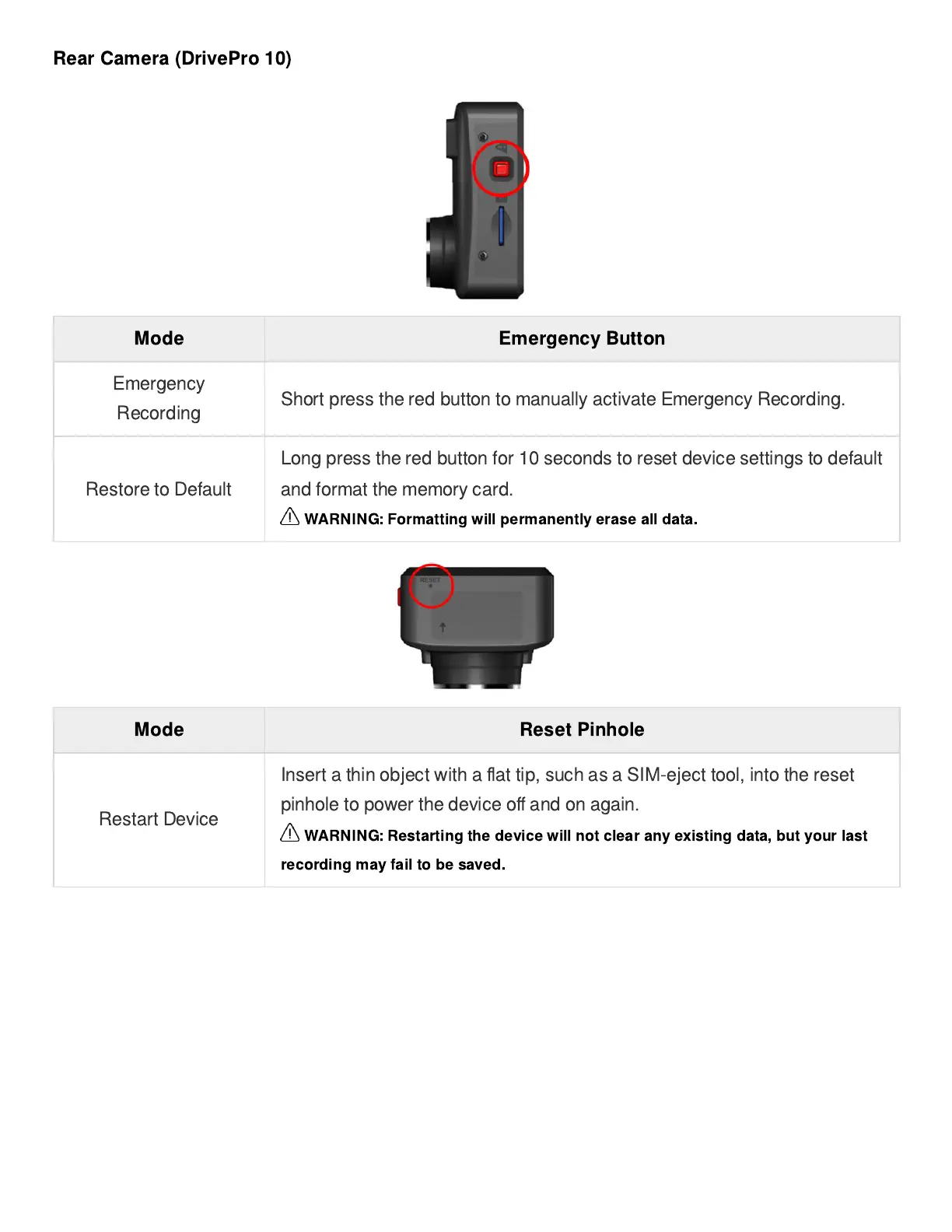
Rear Camera (DrivePro 10)
Mode Emergency Button
Emergency
Recording
Short press the red button to manually activate Emergency Recording.
Restore to Default
Long press the red button for 10 seconds to reset device settings to default
and format the memory card.
WARNING: Formatting will permanently erase all data.
Mode Reset Pinhole
Restart Device
Insert a thin object with a
fl
at tip, such as a SIM-eject tool, into the reset
pinhole to power the device o
ff
and on again.
WARNING: Restarting the device will not clear any existing data, but your last
recording may fail to be saved.















 To Next Page