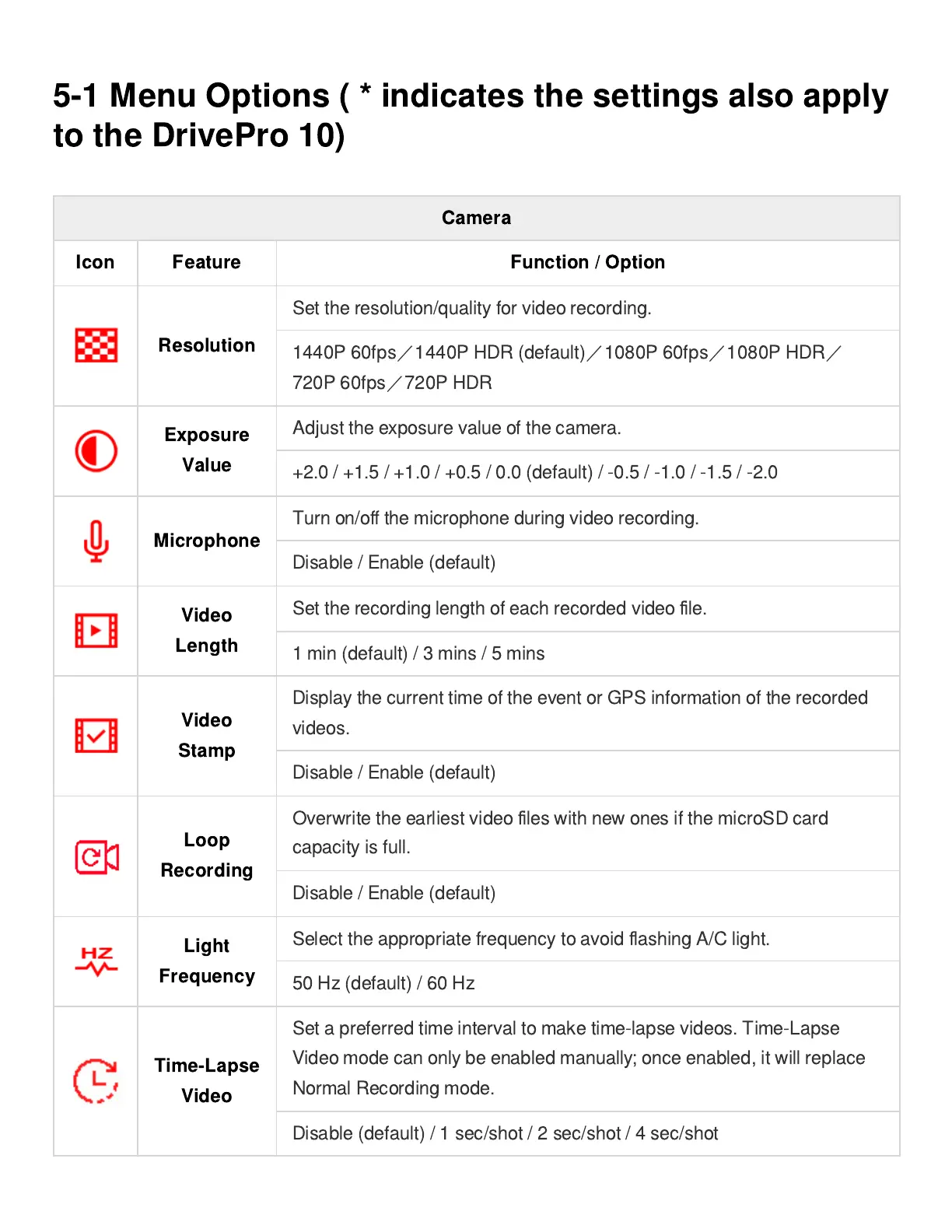
Camera
Icon Feature Function / Option
Resolution
Set the resolution/quality for video recording.
1440P 60fps
/
1440P HDR (default)
/
1080P 60fps
/
1080P HDR
/
720P 60fps
/
720P HDR
Exposure
Value
Adjust the exposure value of the camera.
+2.0 / +1.5 / +1.0 / +0.5 / 0.0 (default) / -0.5 / -1.0 / -1.5 / -2.0
Microphone
Turn on/o
ff
the microphone during video recording.
Disable / Enable (default)
Video
Length
Set the recording length of each recorded video
fi
le.
1 min (default) / 3 mins / 5 mins
Video
Stamp
Display the current time of the event or GPS information of the recorded
videos.
Disable / Enable (default)
Loop
Recording
Overwrite the earliest video
fi
les with new ones if the microSD card
capacity is full.
Disable / Enable (default)
Light
Frequency
Select the appropriate frequency to avoid
fl
ashing A/C light.
50 Hz (default) / 60 Hz
Time-Lapse
Video
Set a preferred time interval to make time-lapse videos. Time-Lapse
Video mode can only be enabled manually; once enabled, it will replace
Normal Recording mode.
Disable (default) / 1 sec/shot / 2 sec/shot / 4 sec/shot















 To Next Page