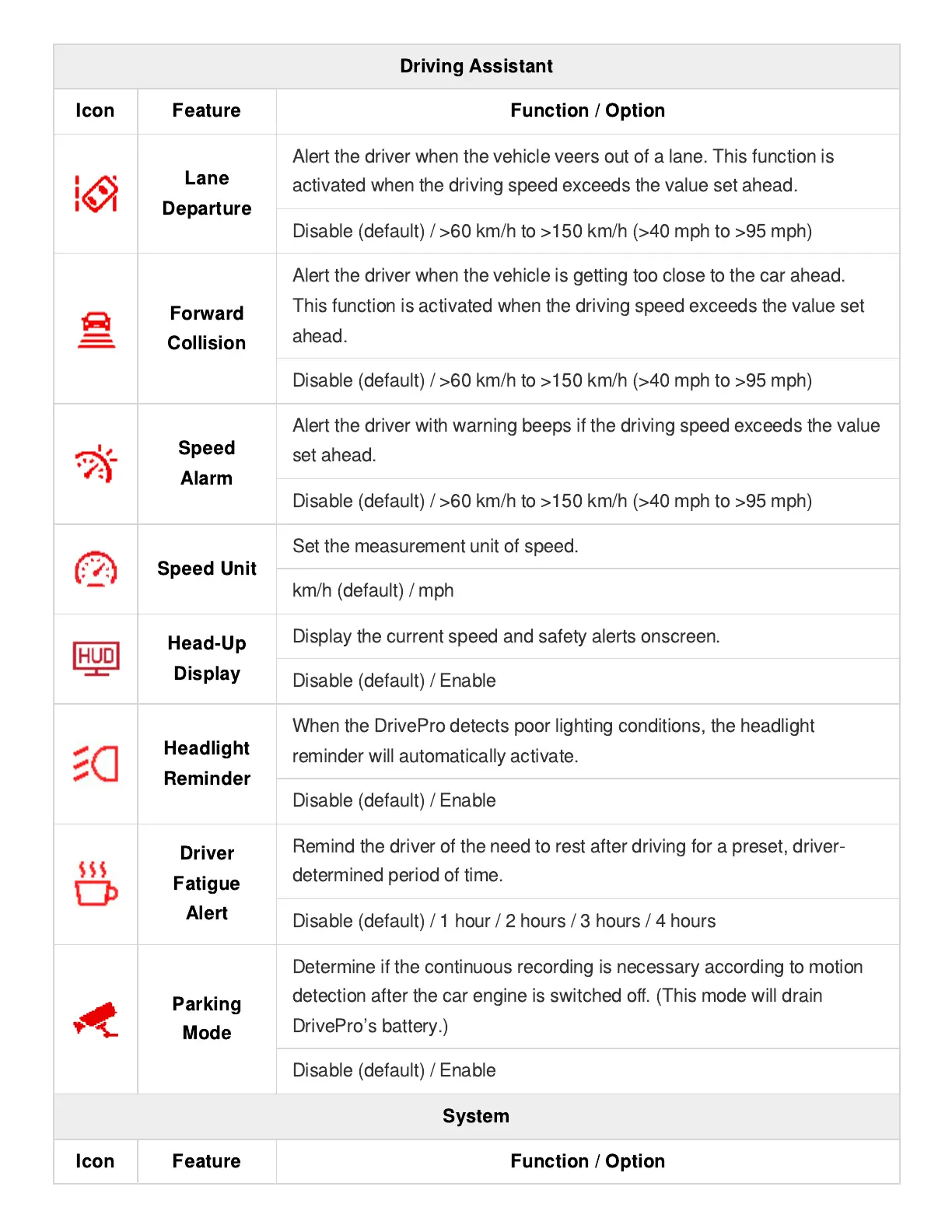
Driving Assistant
Icon Feature Function / Option
Lane
Departure
Alert the driver when the vehicle veers out of a lane. This function is
activated when the driving speed exceeds the value set ahead.
Disable (default) / >60 km/h to >150 km/h (>40 mph to >95 mph)
Forward
Collision
Alert the driver when the vehicle is getting too close to the car ahead.
This function is activated when the driving speed exceeds the value set
ahead.
Disable (default) / >60 km/h to >150 km/h (>40 mph to >95 mph)
Speed
Alarm
Alert the driver with warning beeps if the driving speed exceeds the value
set ahead.
Disable (default) / >60 km/h to >150 km/h (>40 mph to >95 mph)
Speed Unit
Set the measurement unit of speed.
km/h (default) / mph
Head-Up
Display
Display the current speed and safety alerts onscreen.
Disable (default) / Enable
Headlight
Reminder
When the DrivePro detects poor lighting conditions, the headlight
reminder will automatically activate.
Disable (default) / Enable
Driver
Fatigue
Alert
Remind the driver of the need to rest after driving for a preset, driver-
determined period of time.
Disable (default) / 1 hour / 2 hours / 3 hours / 4 hours
Parking
Mode
Determine if the continuous recording is necessary according to motion
detection after the car engine is switched o
ff
. (This mode will drain
DrivePro
’
s battery.)
Disable (default) / Enable
System
Icon Feature Function / Option















 To Next Page