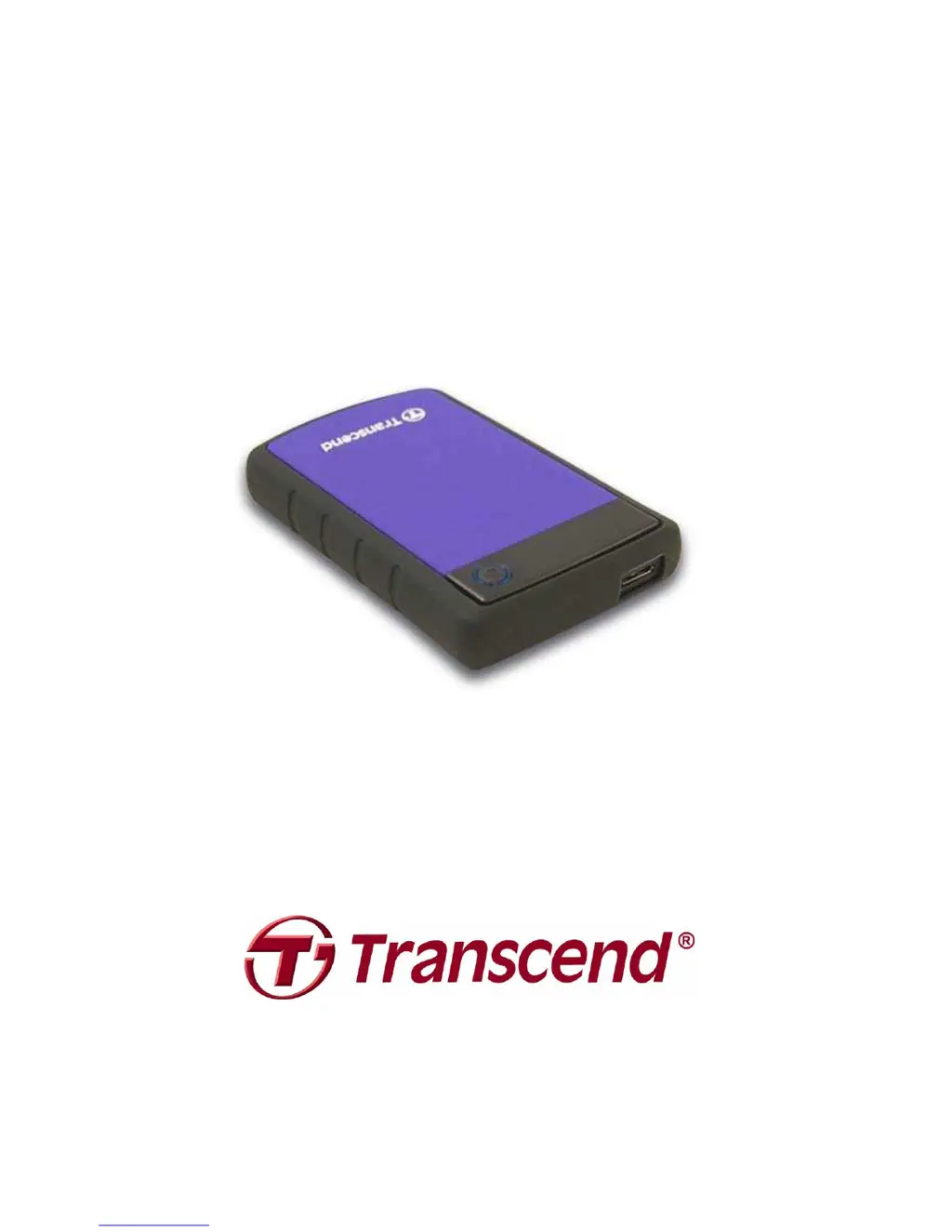
What to do if Transcend StoreJet 25H3 StoreJet 25 is connected to a Mac Keyboard?
- GGary WagnerJul 27, 2025
If your Transcend StoreJet 25 is connected to a Mac keyboard, unplug it and plug it into an available USB port on your Mac desktop computer.
What to do if Transcend StoreJet 25H3 StoreJet 25 is connected to a Mac Keyboard?
If your Transcend StoreJet 25 is connected to a Mac keyboard, unplug it and plug it into an available USB port on your Mac desktop computer.
How to fix Transcend Storage when StoreJet 25 is not properly connected to the USB port?
If your Transcend StoreJet 25 is not properly connected, try unplugging it and plugging it back in. If it still doesn't work, try using a different USB port on your computer.
What to do if Transcend Storage has insufficient power from a single USB port?
To resolve power issues with your Transcend Storage device, particularly the StoreJet, connect both large ends of the USB 3.0 Y-cable to your computer to ensure sufficient power supply.
What to do if Transcend Storage StoreJet 25 is connected through a USB hub?
To ensure proper connection of your Transcend StoreJet 25, avoid connecting it through a USB hub.
What to do if I am not using the correct USB cable for Transcend Storage?
If you are not using the correct USB cable, try using the Transcend USB cable to connect the StoreJet to your computer.
Information on power supply from USB ports and the use of the Y-cable.
Procedure for safely disconnecting the drive from a Windows computer.
Instructions for formatting the drive on Mac OS using Disk Utility.
Commands for formatting the drive on Linux systems.
Steps to resolve issues where the computer does not detect the drive.
Steps to resolve issues where the drive fails to power on.
Information on power supply from USB ports and the use of the Y-cable.
Procedure for safely disconnecting the drive from a Windows computer.
Instructions for formatting the drive on Mac OS using Disk Utility.
Commands for formatting the drive on Linux systems.
Steps to resolve issues where the computer does not detect the drive.
Steps to resolve issues where the drive fails to power on.
| Type | HDD |
|---|---|
| HDD size | 2.5 \ |
| HDD speed | - RPM |
| Interface | Serial ATA |
| HDD capacity | 1000 GB |
| Storage drive buffer size | - MB |
| Connectivity technology | Wired |
| USB version | 3.2 Gen 1 (3.1 Gen 1) |
| USB connector | USB |
| USB data transfer rates | 480, 5000 Mbit/s |
| Maximum data transfer rate | 5000 Mbit/s |
| Bus power | 5 V |
| Product color | Black, Purple |
| Fingerprint reader | No |
| Password protection | Yes |
| Protection features | Shock resistant |
| Security algorithms | 256-bit AES |
| Operating temperature (T-T) | 5 - 55 °C |
| Depth | 19 mm |
|---|---|
| Width | 80.8 mm |
| Height | 131.8 mm |
| Weight | 216 g |