15
screen again. If this still doesn’t work, press and hold PLAY/PAUSE button to
re-plug JetFlash first. Then, click the Recovery button on the JetFlash splash screen
again.
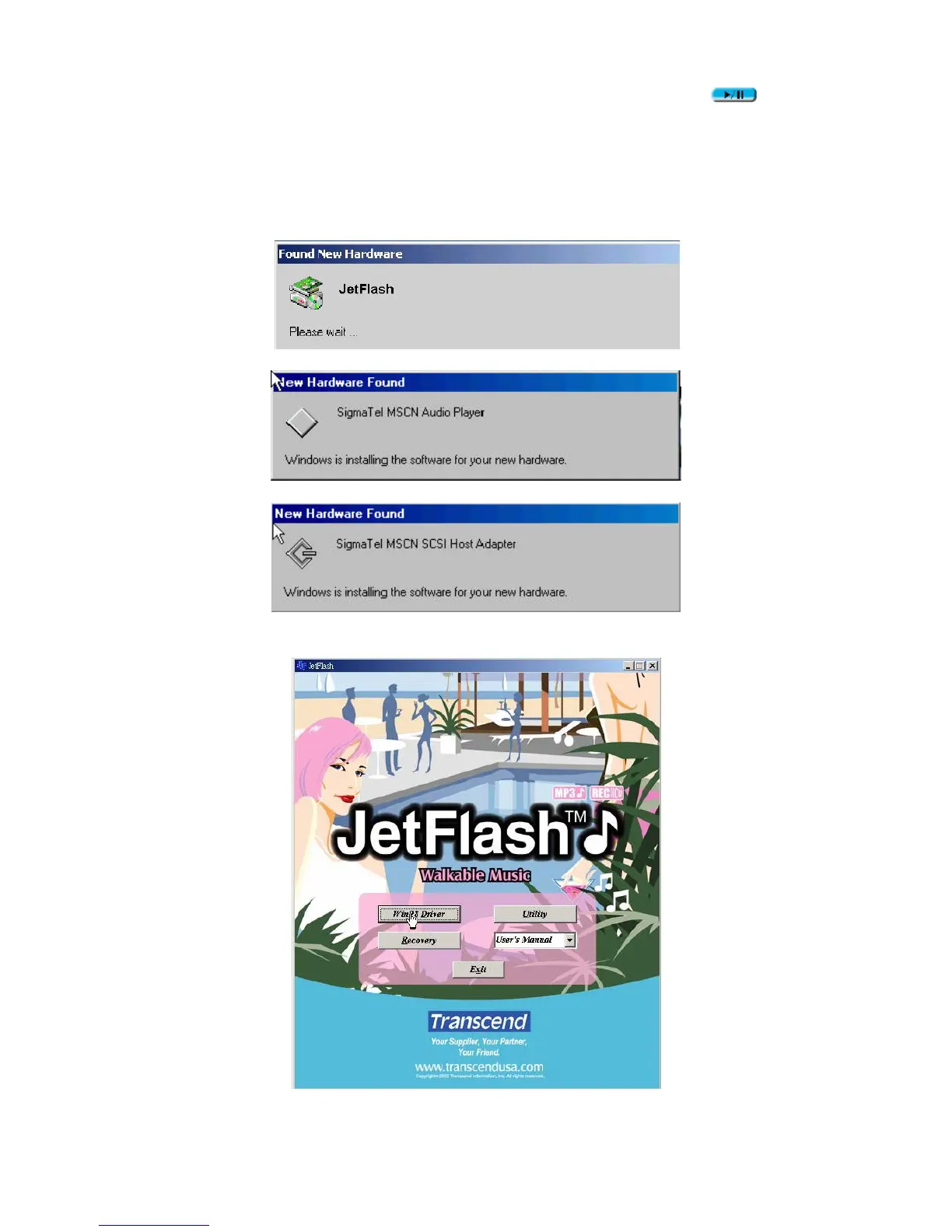
7. New Hardware Found messages appear. (Only the first time you run the Recovery
program.)
8. Click the Recovery button on the JetFlash windows splash screen again.
9. MSCN Format dialog box appears. Make sure that the Quick format checkbox













 To Next Page