25
Q13: Why does JetFlash turn off automatically after entering MP3 mode or Record
mode?
A13: JetFlash features a power-save function. If your JetFlash is idle for two minutes,
power-save is triggered and the power turns off automatically.
Q14: Why is JetFlash automatically removed from the operating system when I use it as
a USB Flash Drive?
A14: This problem occurs when you press the PLAY/PAUSE button while
JetFlash is connected with a USB port. Please unplug JetFlash from the USB port
then re-plug it.
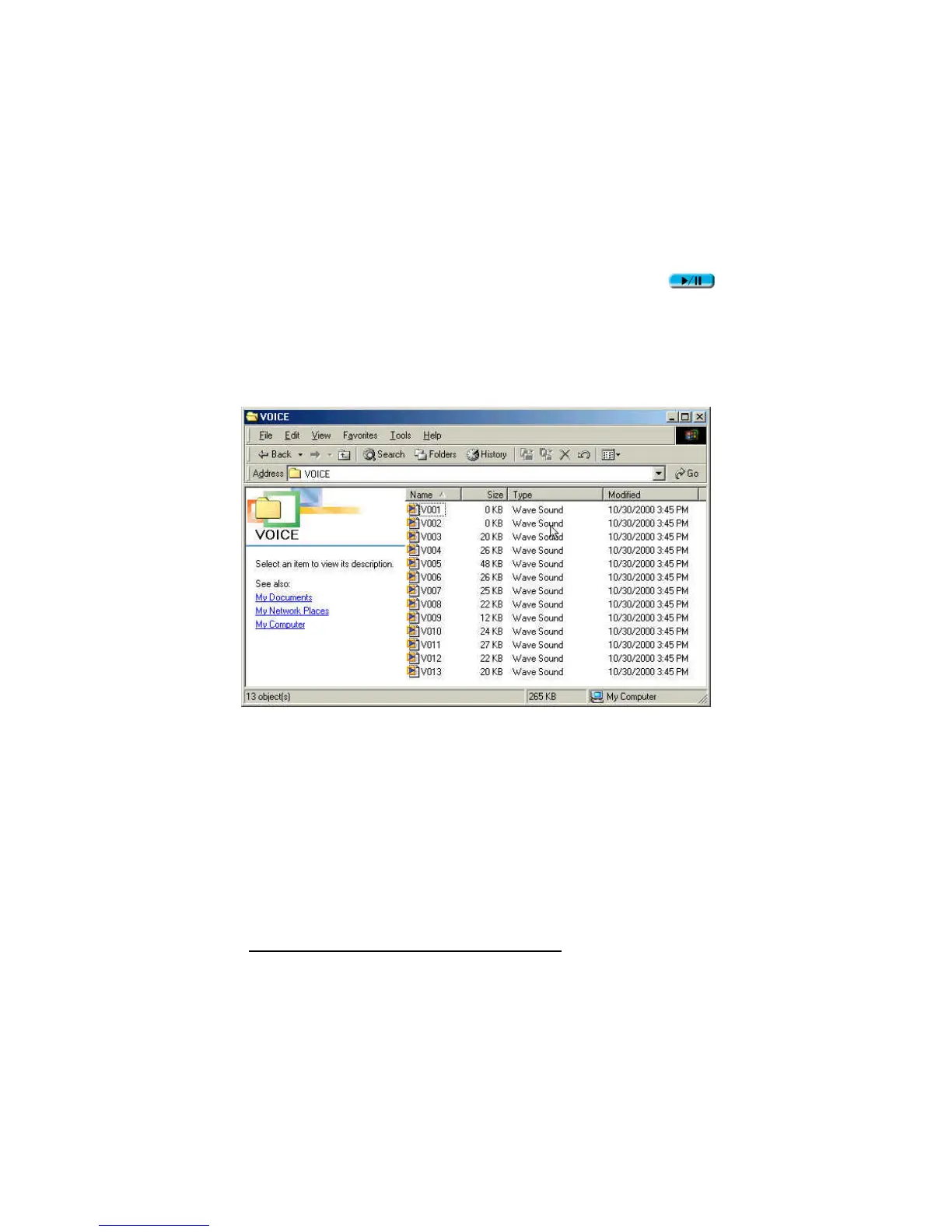
Q15: Why are the “Modified” times of voice files all the same?
A15: Because of the limitations of the controller circuitry, JetFlash does not have a clock
for use in recording file creation or save time. To better distinguish files from each
other, you can rename them.
Q16: Why can’t the MP3 and voice recording functions work after I’ve formatted
JetFlash using the “Quick Format” or “Full Format” option in Windows?
Q16: Formatting JetFlash using the “Quick Format” or “Full Format” option of Windows
destroys the default format of JetFlash. To retrieve the default format, you must
link to http://www.transcend.com.tw/English to download and update the
JetFlash firmware.













 To Next Page