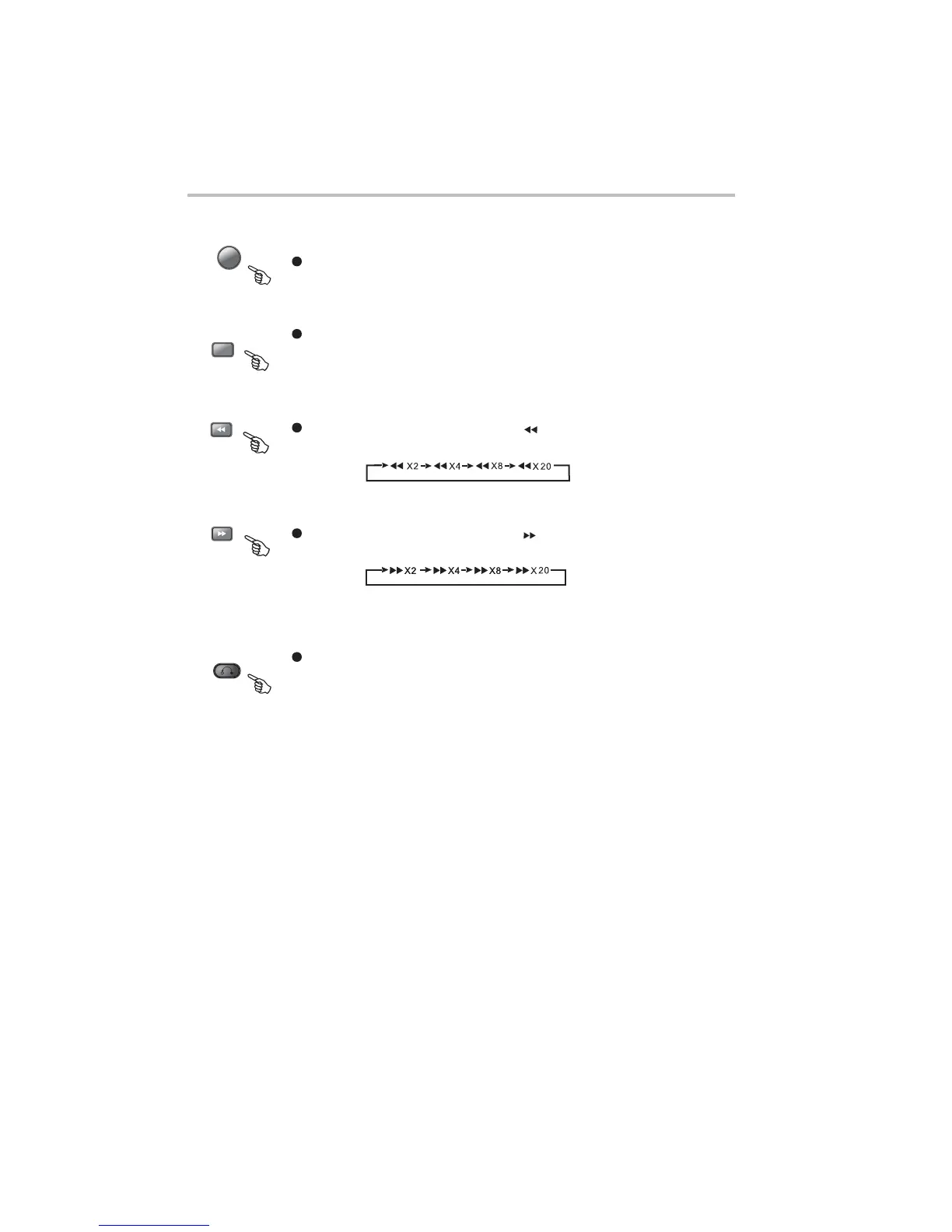
During DVD, playback, press TITLE to display the DVD title menu or play the first title.
Note: This function is subject to the disc.
14:TITLE
13:DVD/USB
Switch between disc and USB operation.
During DVD or CD playback, press and holp to scan forward. The player will review
the disc at 2, 4, 8 and 20 times normal speed as follows:
Press PLAY to resume normal playback.
During DVD or CD playback, press and holp to scan in reverse. The player will
review the disc at 2, 4, 8 and 16 times normal speed as follows:
17:RETURN
During DVD playback, press RETURN to display the DVD title menu or play the frist title.
Note:thisfunctionissubjecttothedisc.
16:
15:
DVD REMOTE CONTROL OPERATION
-30-
Press PLAY to resume normal playback.


 To Next Page