46
2. Terminal Management
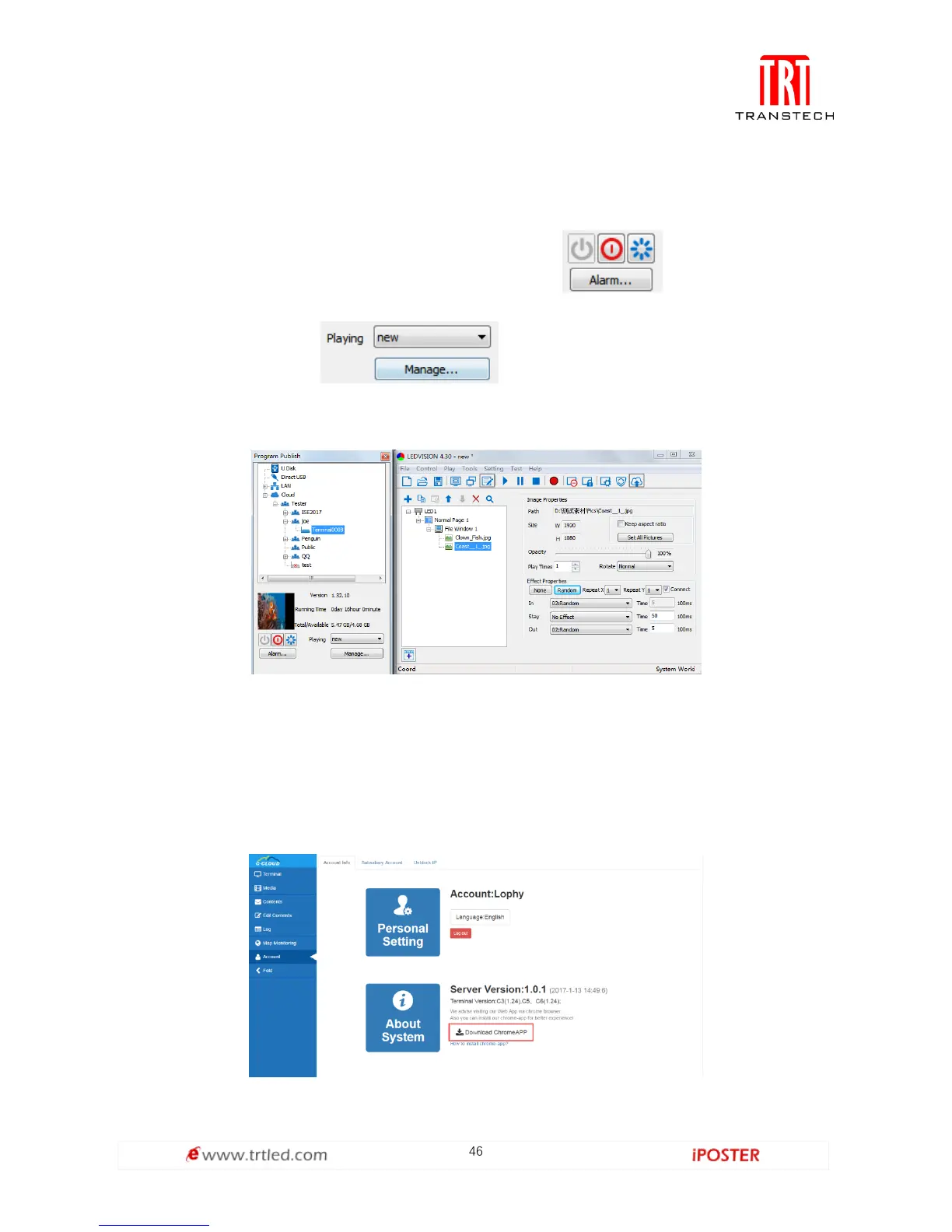
Click the terminal, as shown in Figure 2.3.2-1, and you can see the terminal
information, like version, running time and etc. Click , they are Power on,
Sleep and Restart; click to conduct program management, like
program switch and delete.
Figure 2.3.2-1
C-Cloud Chrome Plugins Setup and User Instruction
Setup
1. Click Account Info and select Download Chrome APP after entering the web, as
shown in Figure 3.1-1 below.
Figure 3.1-1



 To Next Page