27
Cloud operation
Internet ID Application
Firstly, you need apply an Internet ID to login our server, and the ID is not open for
everyone to register, the application to our company is necessary.
Internet ID Login
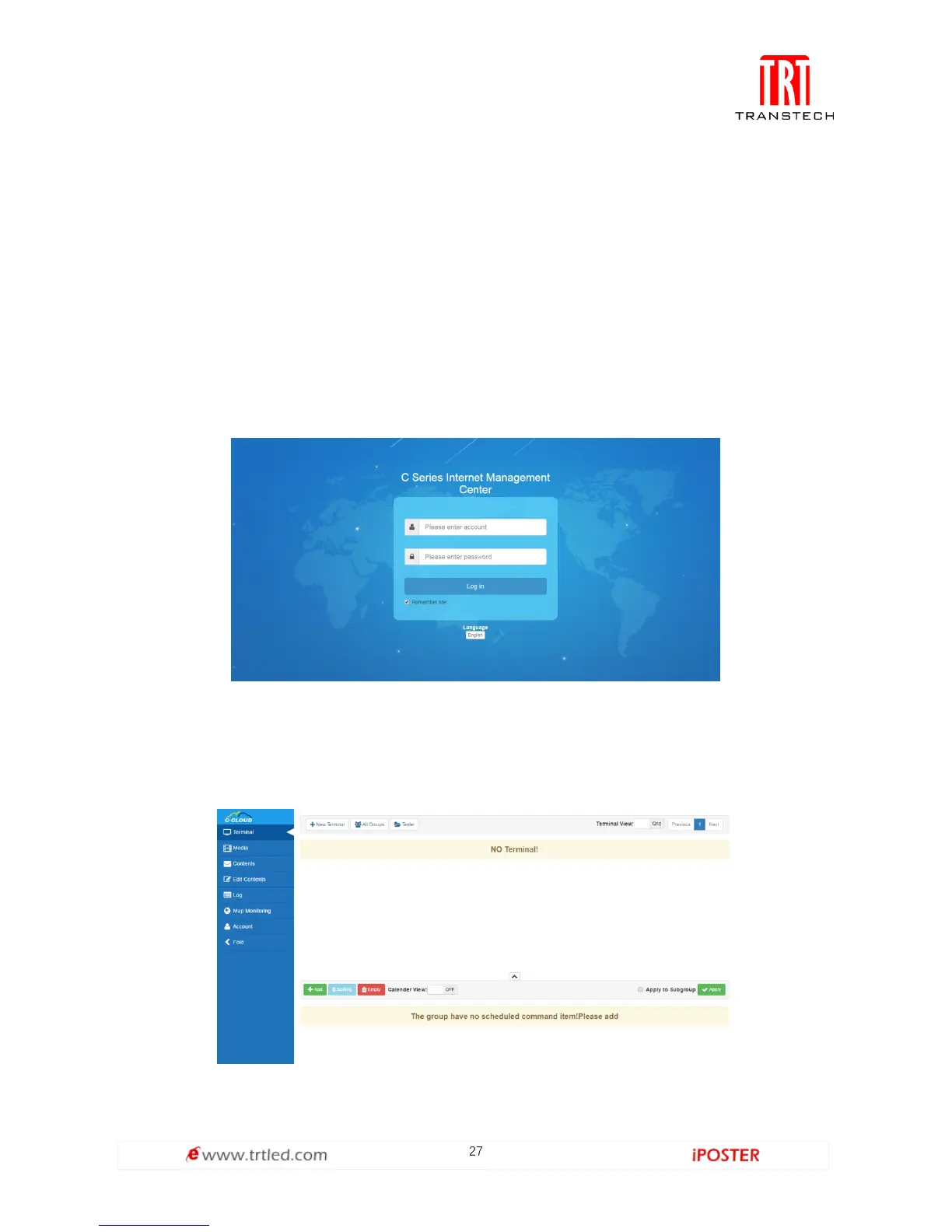
You can login our server(URL:https://colorlightcloud.com) to manage terminal
equipment while you have an Internet ID. As shown in Figure 1.2-1 below, you need to
input your account and password.
Figure 1.2-1
You will see as shown in Figure 1.2-2 after successful login. The menu is on the left,
which contains items such as equipment management, media management, program
management, etc.; the window for operating is on the right.
Figure 1.2-2



 To Next Page