48
User Instruction
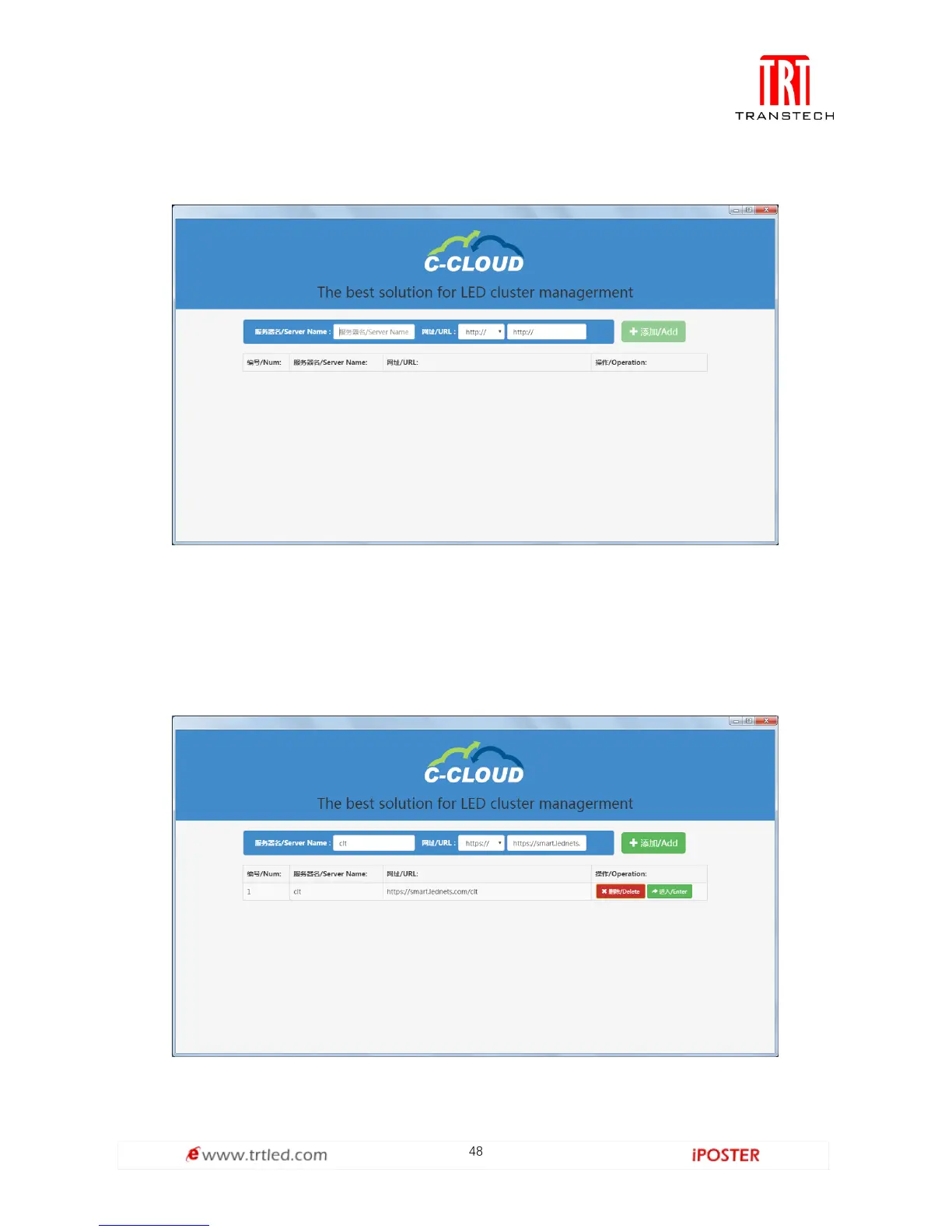
1. Click the desktop or Chrome extension to start C-CLOUD, as shown in Figure 3.2-1.
Figure 3.2-1
Fill in the server name and URL, select Add, as shown in Figure 3.2-2, click Enter, it’s
same as the login interface of entering browser. After the first login, user can enter
directly without inputting username and password again; click bottom-left corner to
return and users can switch the username.
Figure 3.2-2



 To Next Page