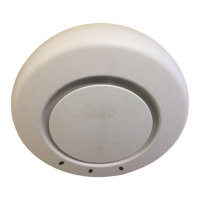
Indoor Mobility Point™ Quick Start Guide
30
Trapeze Networks
2. Install the drywall anchor(s):
a. Hammer a drywall anchor into each hole, up to the beginning of the threads on the anchor.
b. Screw each anchor the rest of the way into the hole using a #2 Phillips-head screwdriver.
c. Remove the screw from each anchor and save the screw(s) for step 6.
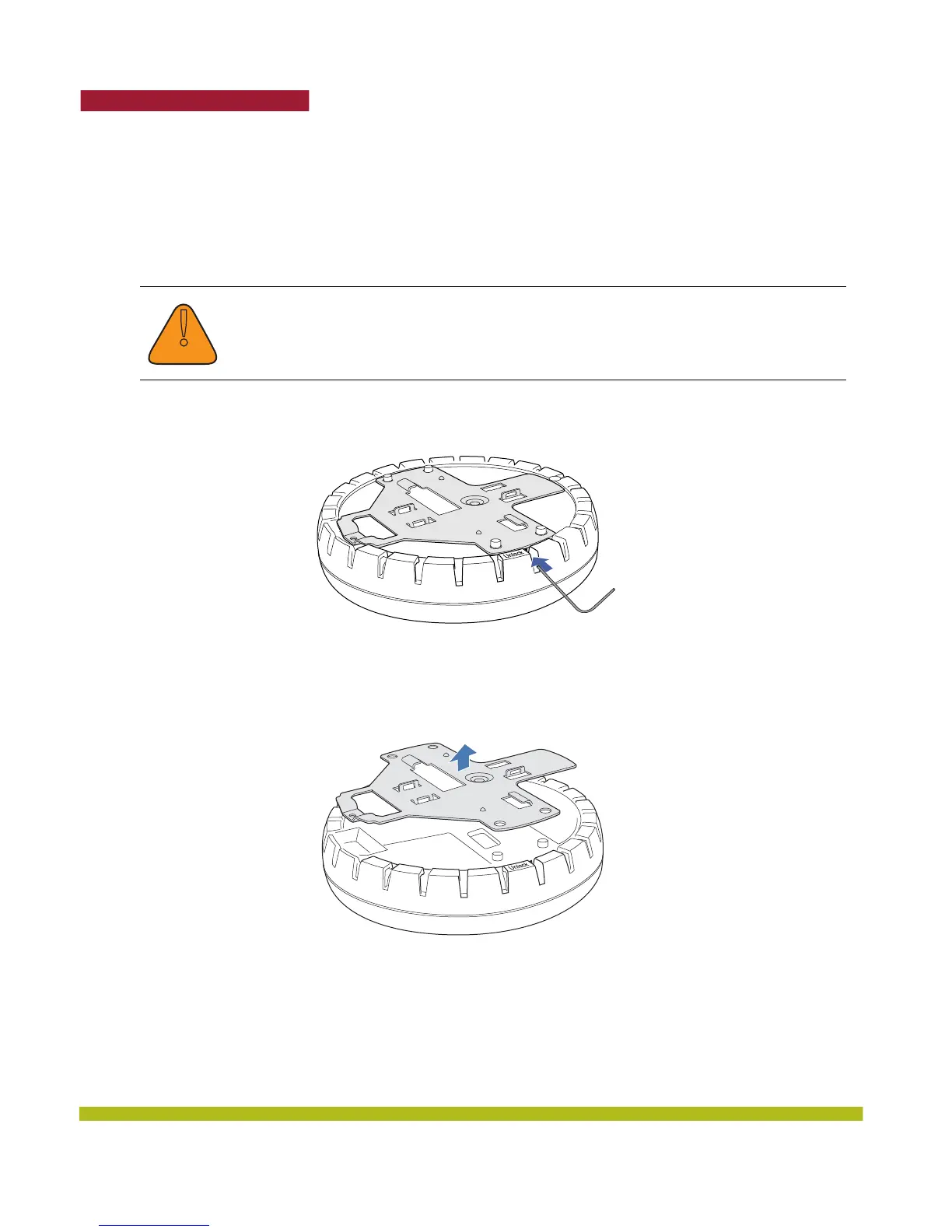
3. Unlock the universal mounting bracket from the MP by inserting the lock/unlock tool into the
Unlock hole on the MP as shown below.
Figure 1–24. Step 3—Unlocking the Bracket
4. Remove the bracket as shown in Figure 1–25.
Figure 1–25. Step 4—Removing the Bracket
5. As shown in Figure 1–26, feed the Cat 5 cable through the port connector opening and align the
universal mounting bracket over the drywall anchors so that the two screw holes in the bracket
face the drywall anchors.
!
Caution
Use the lock/unlock tool to unlock the MP. Do not use a screwdriver because it may
cause damage to the MP lock mechanism or electronic components. Do not use
excessive force when inserting a tool into the Unlock or Lock hole.



 To Next Page