47
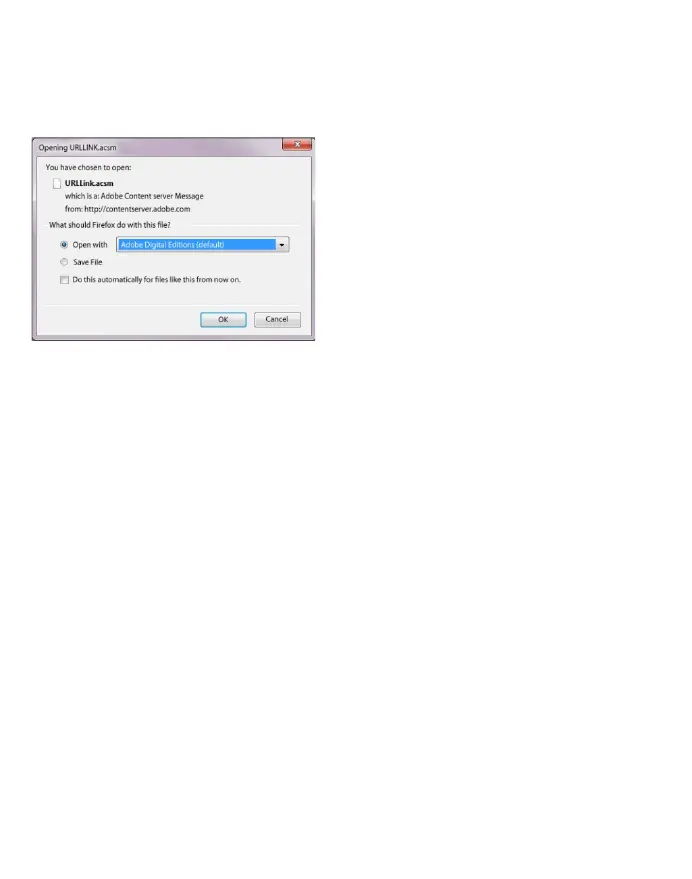
2) A dialog window now opens. Select in this window the
option "OPEN WITH ADOBE DIGITAL EDITIONS" and confirm
your choice with "OK".
Now Adobe® Digital Editions opens and your eBook will be
downloaded and is stored inside the folder "MY DIGITAL
EDITIONS" (Windows® 7: "LIBRARIES DOCUMENTS" or
Windows® XP: "MY FILES").
You can now copy the eBook by drag and drop onto your
device. Just click on the eBook and drag with the mouse to your
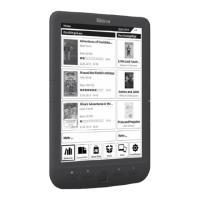
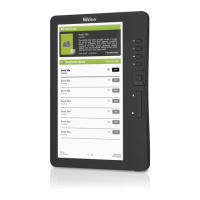
reader ("TREKSTOR").



 To Next Page