Need help?
Do you have a question about the TrekStor USB-Storage 2.0 and is the answer not in the manual?
General guide on installing the necessary driver for the DataStation.
Specific steps for installing the driver on Windows 98.
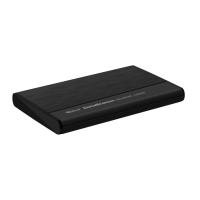
Instructions for connecting the 2.5-inch version of the DataStation to a computer.
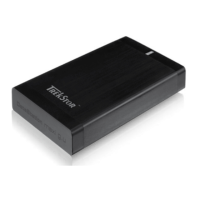
Instructions for connecting the 3.5-inch version of the DataStation to a computer.
Guidance on operating the DataStation after it has been connected and recognized.
Step-by-step instructions for safely disconnecting the DataStation in Windows.
Steps for safely removing the DataStation from a Mac system.
Instructions for activating partitions and copying system files for booting on Win 9x/ME.
Guidance on installing FreeDOS for booting on Windows 2000/XP systems.
General advice for solving common issues with the TrekStor DataStation.
Diagnoses and solutions for the symptom where the drive is not recognized.
Important safety precautions for handling and operating the DataStation.

 To Next Page
 General