EN
8
Intended operating conditions
j
Protect the device from extremely high or low temperatures and fluctuations in temperature.
Use it at an ambient temperature between 10º C and 40º C.
m
Do not place the device near a heat source and protect it from direct sunlight.
e
Never expose the device to humidity, condensation or moisture.
h
Ensure you use and store the device in a dust-free environment.
Power Supply
r
CAUTION
Do not use or charge the device if the battery is damaged or leaks.
Care and maintenance
g
Never clean the surface of the device with solvents, paint thinners, cleaning agents or other chemical products.
Use a soft, dry cloth or a soft paintbrush.
3) Technical specifications
Dimensions (W x H x D) 265 mm x 19 mm x 188 mm
Weight ca. 500 g
Interfaces Tablet dock
4) Package contents
• TrekStor Keyboard W10a incl. bag
• Operating instructions
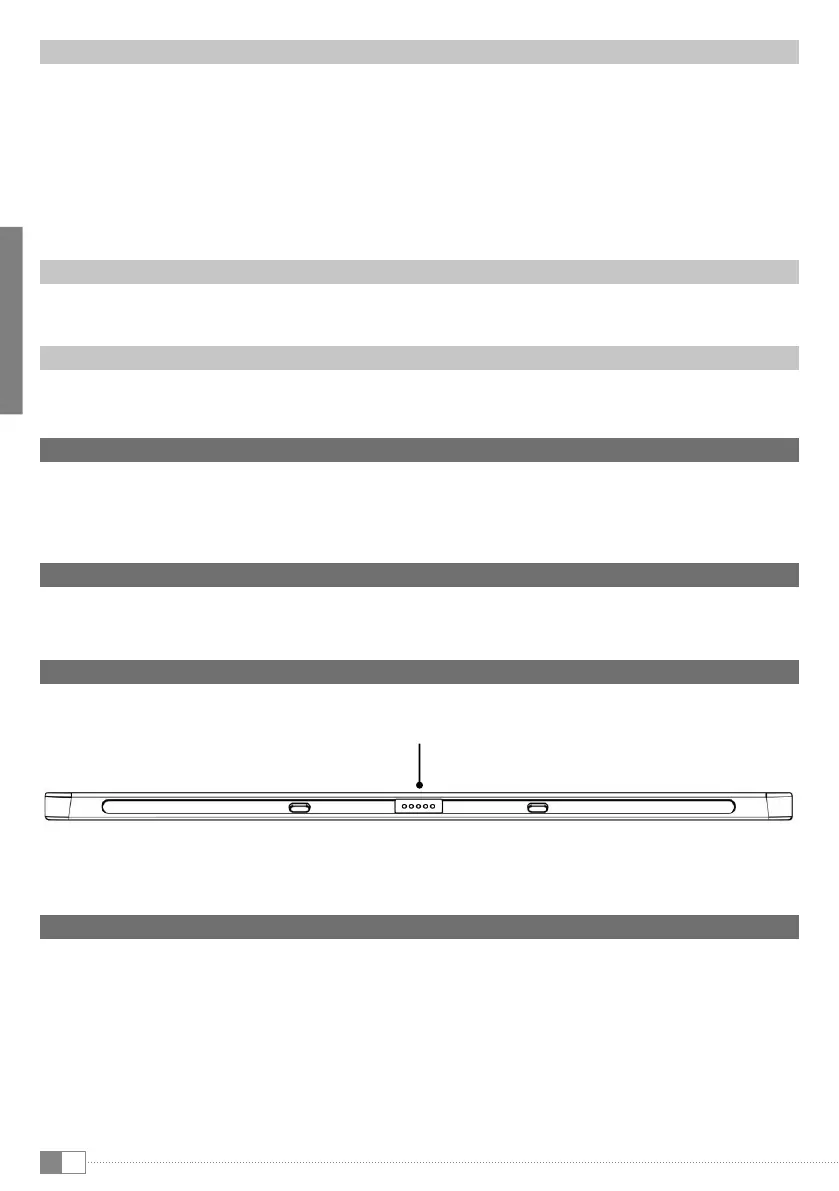
5) Controls and connections
A) Tablet dock to connect to the tablet
6) Taking your Keyboard in operation
a) Open the case and fold the cover into a tablet holder by pulling both outer wings of the cover forwards until the
magnets take effect. Put down the tablet cover.
i
We recommend folding this way as it ensures the greatest amount of stability. The outer wings of the cover can also be
folded behind the tablet holder.
b) Place your TrekStor SurfTab wintron 10.1 on the tablet dock. The SurfTab automatically slides into the correct
position on the guide rail thanks to the additional magnetic holding.
A


 To Next Page
 Loading...