EasyManua.ls Logo

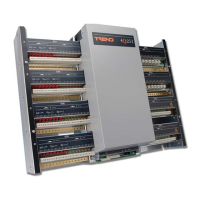
TREND IQ251 - Module and Screen Termination; Tie Cables; Remove and Replace Side Plates; Fit I;O Modules

TREND IQ251
16 pages
Print Icon
To Next Page IconTo Next Page
To Previous Page IconTo Previous Page
Loading...
IQ251 Installation Instructions TG103483 Issue 4, 09-May-2012 3
Installation Instructions IQ251
6
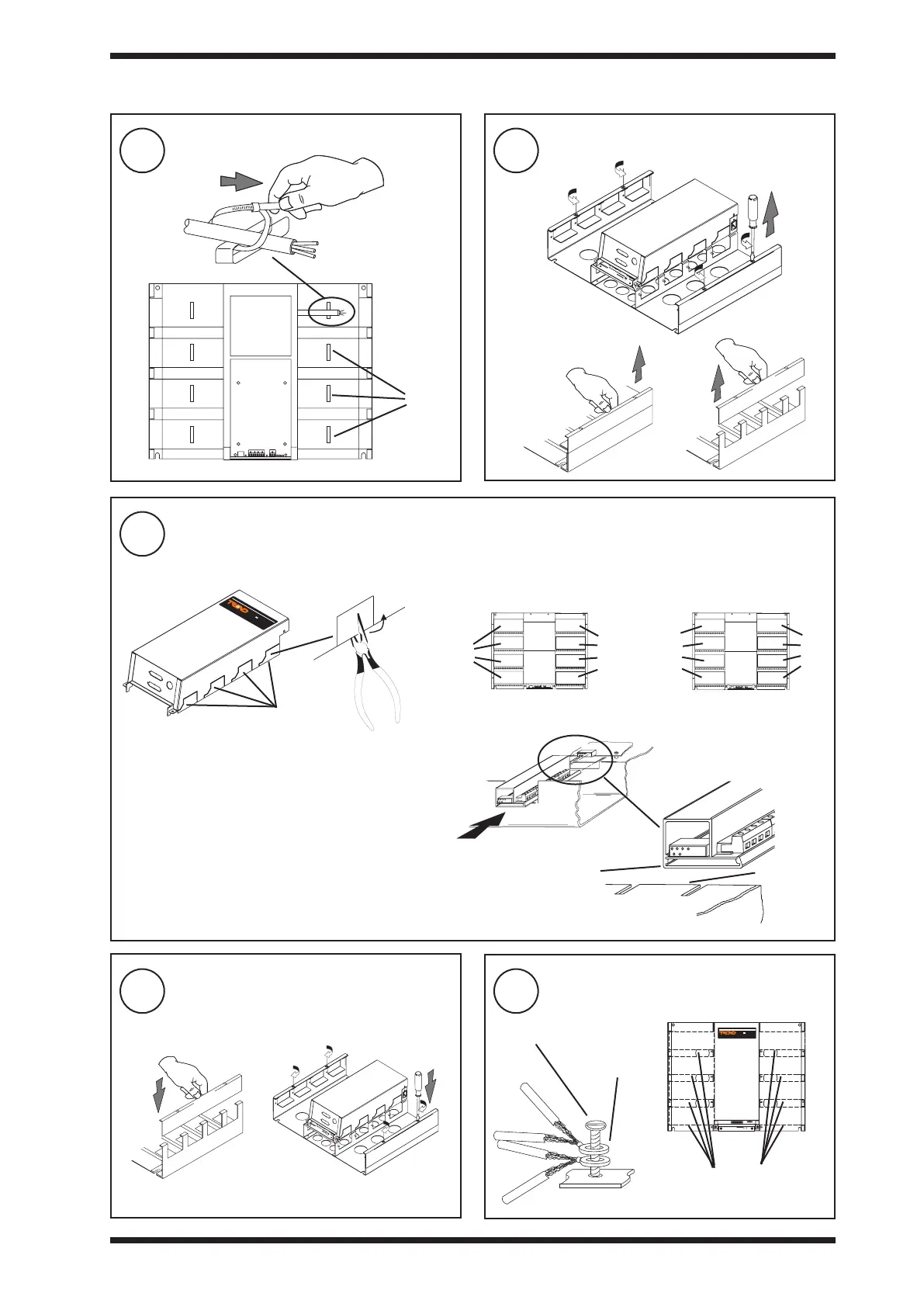
Tie Cables
7
Remove Side Plates
8
Fit I/O Modules
9
Replace Side Plates
10
Terminate Screens

cleats
a
b c
IQ251
a Snap off section if required
b Select Modules
 
 
 
c 
 
snap off sections

only

or


or

or


or

or

slot

d Slide into position
IQ251

2 eyelets
maximum

a b

3.1 Installation - Mounting 

Other manuals for TREND IQ251