ENGLISH
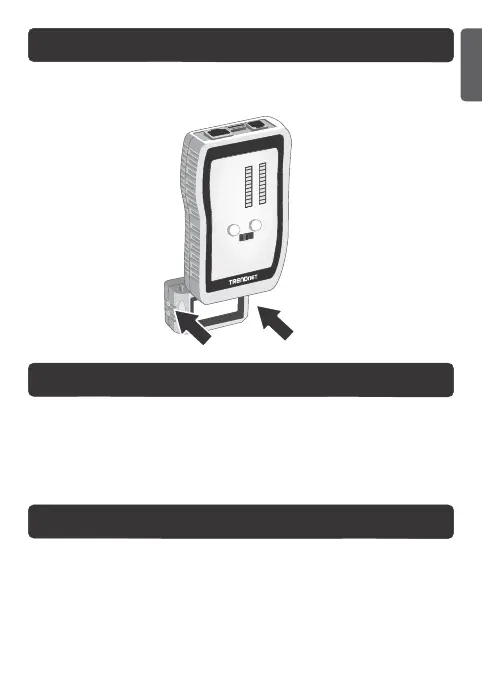
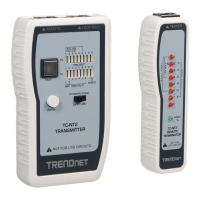
Slide the bottom of the TC-NT3 Remote Terminator towards the back of
the TC-NT3 Transmitter.
1. Change the battery if the Battery Low (B/L) LED is on.
2. Slide the battery cover off the TC-NT3 transmitter.
3. Connect and insert the battery.
4. Slide the battery cover back on to the TC-NT3 remote transmitter.
How to Separate the Transmitter and Terminator
Install / Replace the Battery (9V Alkaline battery is not included)
Warning and Caution
1. This device is designed to be used on a cabling system without voltage. Do not
connect the TC-NT3 to any live circuits, lines or outlets. Doing so may damage
the TC-NT3 and equipment.
2. Disconnect cables from all electronic equipment with voltage before testing.
Failure to do so may damage the TC-NT3.
2



 To Next Page