1. Before You Start
1
Minimum Requirements
Ÿ TEW-734APO
Ÿ CD-ROM (User's Guide)
Ÿ Quick Installation Guide
Ÿ Mounting hardware
Ÿ Power adapter (24V DC, 1A)
Ÿ PoE injector
Ÿ Grounding wire
Ÿ Computer with an Ethernet port and Web Browser
Ÿ Network switch or router with an available network port
Ÿ 2 x network cables
Note: The TEW-734APO does not support IEEE 802.3af. You must use the included
proprietary Power over Ethernet (PoE) injector.
Package Contents
2. Configuring a WDS connection
Ÿ The default IP address of the TEW-734APO is 192.168.10.100. To configure the
unit, your network adapter must have an IP address within the 192.168.10.XX
range.
(192.168.10.1 – 192.168.10.254)
Please refer to the Appendix in the User's Guide for more information.
Ÿ All antivirus and firewall software must be disabled before configuring the
TEW-734APO.
Ÿ The initial configuration should be done in a testing environment, with two
TEW-734APO units approximately 15 ft. (5 meters) apart.
Ÿ Configure and connect the devices before they are mounted.
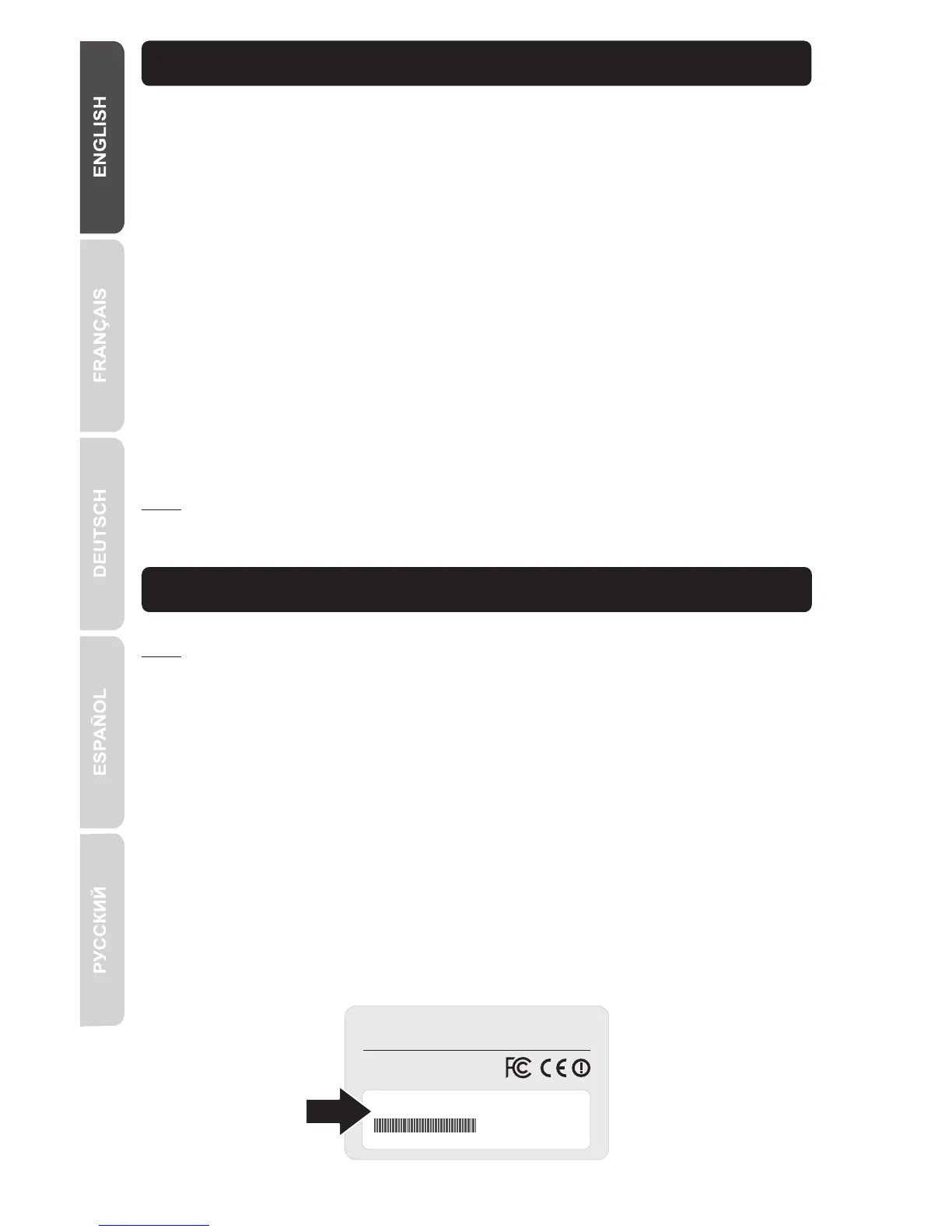
1. Write the MAC address of the two TEW-734APOs. The MAC address can be
found on the label on the back of the unit.
Note:



 To Next Page
 Loading...