6
22. Configure the TEW-734APO's IP address to a valid IP address, using the subnet
defined by the router. Each TEW-734APO must have a unique IP address. Avoid
using an IP address within the DHCP pool of your router. In this example, we will
assume the following:
Router IP Address: 192.168.10.1
Subnet Mask: 255.255.255.0
DHCP Pool: 192.168.10.100~192.168.10.199
The TEW-734APO will be set up with the following IP address assignment:
IP Address: 192.168.10.200
Subnet Mask: 255.255.255.0
Gateway IP Address: 192.168.10.1
DNS 1: 192.168.10.1
23. Click Apply.
25. To configure the second TEW-734APO, return to step 2 and complete the
configuration process again. When assigning the IP addresses to your
TEW-734APOs, make sure each device has a different IP address.
24. Click OK.
Secure Your Wireless Network
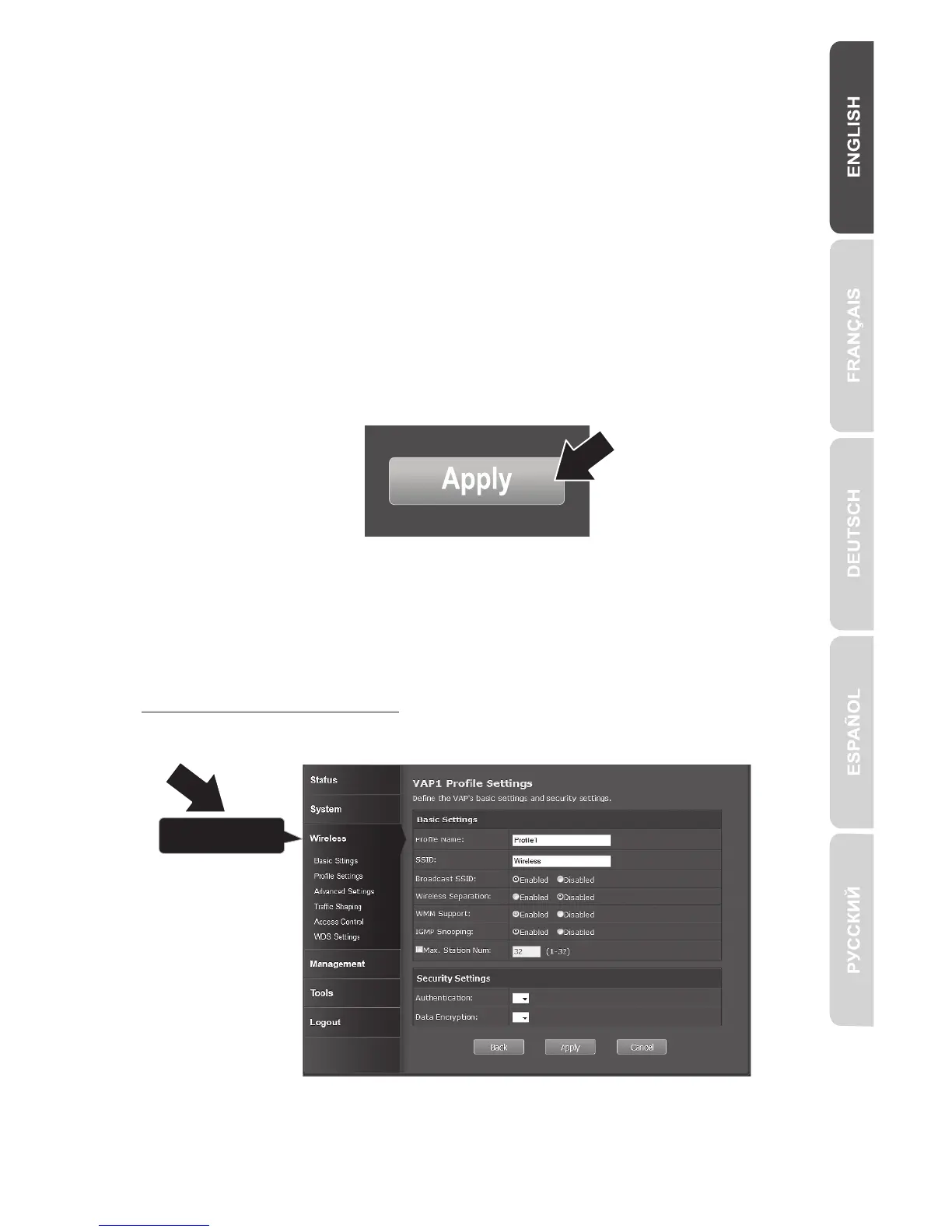
1. Click Wireless, then Profile Settings.



 To Next Page