EasyManua.ls Logo

TRENDnet TV-IP252P - User Manual

TRENDnet TV-IP252P
37 pages
Print Icon
To Next Page IconTo Next Page
Loading...
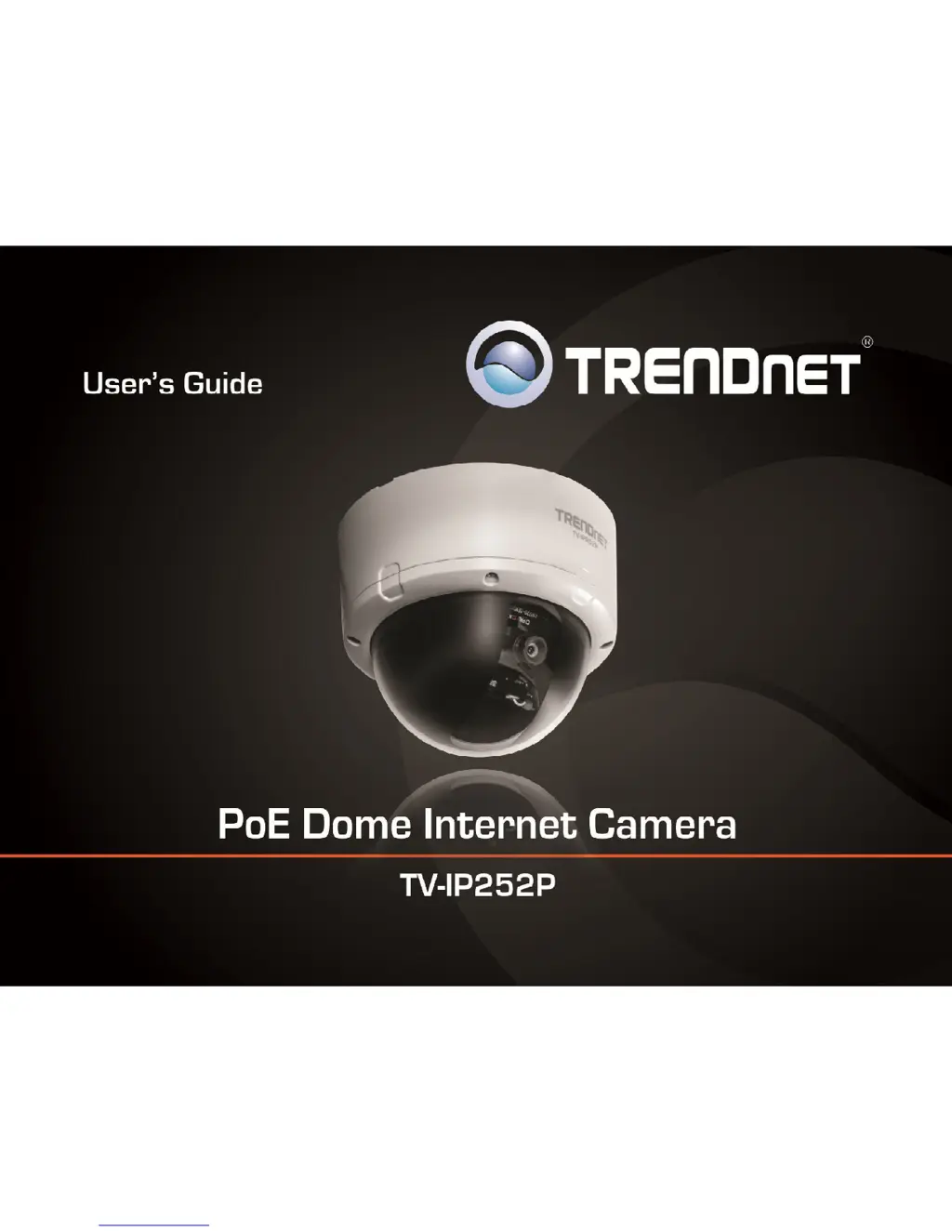
TRENDnet User’s Guide
Cover Page

Other manuals for TRENDnet TV-IP252P

Questions and Answers

  • J
    Jillian YoungAug 11, 2025
    What to do if IP Setup is unable to detect my TRENDnet TV-IP252P?
    • C
      Charles PageAug 11, 2025
      If the IP Setup cannot detect your camera, there are several things you can try: * Ensure that you have completed all steps in Section 2: Hardware Installation. * Disable any software firewall programs like ZoneAlarm or Norton Internet Security. * If using Windows 7, Vista, or XP, disable the built-in firewall. * Try clicking on 'Search' in IPSetup. * Reset the IP Camera by removing the top cover and pressing the reset button.
  • J
    Jacqueline RobinsonAug 17, 2025
    How to fix blurry image on TRENDnet TV-IP252P?
    • A
      austinanneAug 17, 2025
      To fix a blurry image, remove the cover on top of the TV-IP252P and adjust the camera's focus by rotating the lens.
  • R
    Rebecca GreenAug 23, 2025
    What to do if I do not have a DHCP server to configure TRENDnet TV-IP252P Security Camera?
    • R
      Roberta TaylorAug 23, 2025
      If you lack a DHCP server or it's disabled, configure the TV-IP252P by assigning a static IP address on your computer’s network adapter within the 192.168.10.x subnet. Note that the default IP address of the TV-IP322P is 192.168.10.30, so avoid assigning this address to your computer. Then, open Internet Explorer and enter http://192.168.10.30 into the address bar.
  • L
    Lisa HillAug 28, 2025
    What to do if live view image does not load on TRENDnet Security Camera?
    • A
      Anthony TaylorAug 28, 2025
      If the live view image doesn't load, ensure that you're using a browser that supports ActiveX and that ActiveX is installed.
  • A
    Amber BellSep 4, 2025
    How to open the installation menu if it does not appear automatically after inserting the TRENDnet TV-IP252P Utility CD-ROM?
    • G
      Gabrielle RussellSep 4, 2025
      If the installation menu doesn't appear automatically after inserting the Utility CD-ROM, you can try the following: * Click on the Windows icon, then click the “Search programs and files” box, and type D:\autorun.exe (where “D” is the letter of your CD-ROM drive), and press ENTER. * Alternatively, click Start, then the Start Search box, and type D:\autorun.exe (again, “D” is your CD-ROM drive letter), and press ENTER. * Another option is to click Start, then Run, and type D:\autorun.exe (with “D” representing your CD-ROM drive letter), and press ENTER.

TRENDnet TV-IP252P Specifications

General IconGeneral
ModelTV-IP252P
CategorySecurity Camera
BrandTRENDnet
Camera TypeNetwork Camera
ConnectivityWired
Max Resolution1280 x 1024
Lens TypeFixed
Night VisionYes
IR LEDs12
Power over EthernetYes
AudioBuilt-in Microphone
Video CompressionH.264, MJPEG
Network Interface10/100 Mbps Ethernet
ProtocolsTCP/IP, HTTP, FTP, DHCP, DNS
Image Sensor1/4" CMOS
FeaturesMotion Detection, Email Alerts
Power12V DC

Related product manuals