3
1.2 Camera Requiring Manual Configuration
TV-IP342PI
TV-IP343PI
TV-IP662PI
Outdoor 2MP Full HD Vari-Focal PoE Day/Night Dome Network Camera
Outdoor 2MP Full HD Vari-Focal PoE Day/Night Network Camera
Megapixel HD PoE Day/Night PTZ Network Camera
Model Description
For manual configuration, follow the steps below. We recommend that you configure your camera using the CD-ROM that was included
with your camera. If you are unable to do so, skip to the Manual Camera Configuration without CD-ROM (Installation Wizard) section
below.
1. For manual installation, set your computer's IP address to a static address. Use the IP address 192.168.10.10/255.255.255.0 and leave
the default gateway and DNS settings blank.
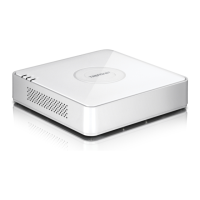
2. Connect a network cable from your computer to a LAN port on your TV-NVR104.
3. Connect the power adaptor to the TV-NVR104 and plug the adaptor into an electrical outlet.
4. Connect your camera to the TV-NVR104 and wait 30 seconds for the camera to power on.
5. Insert the CD-ROM that was included with your camera into your computer.
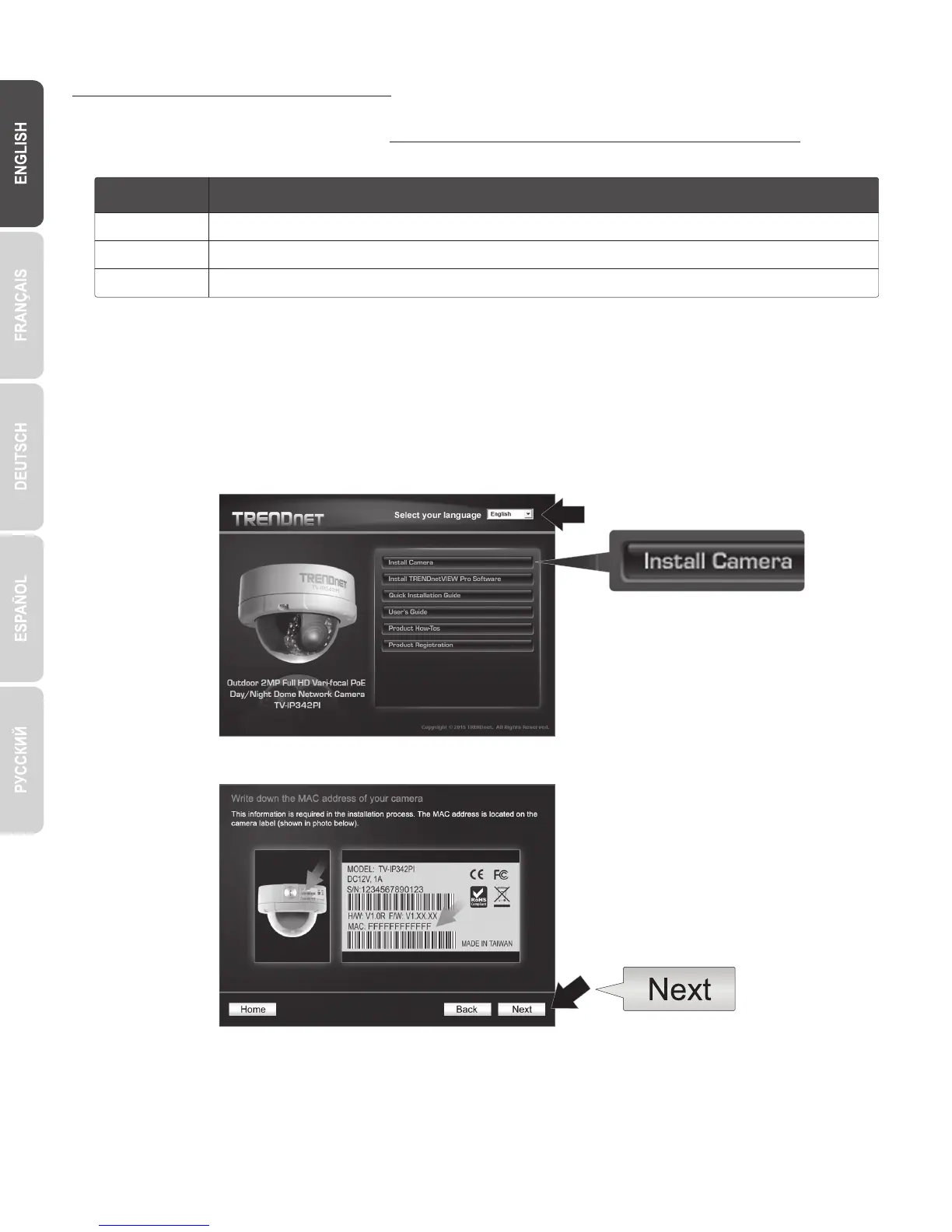
6. Select your language from the dropdown menu.
7. Select Install Camera.
8. Write down the MAC ID of the camera from the white label on the camera, then click Next.


 To Next Page