4
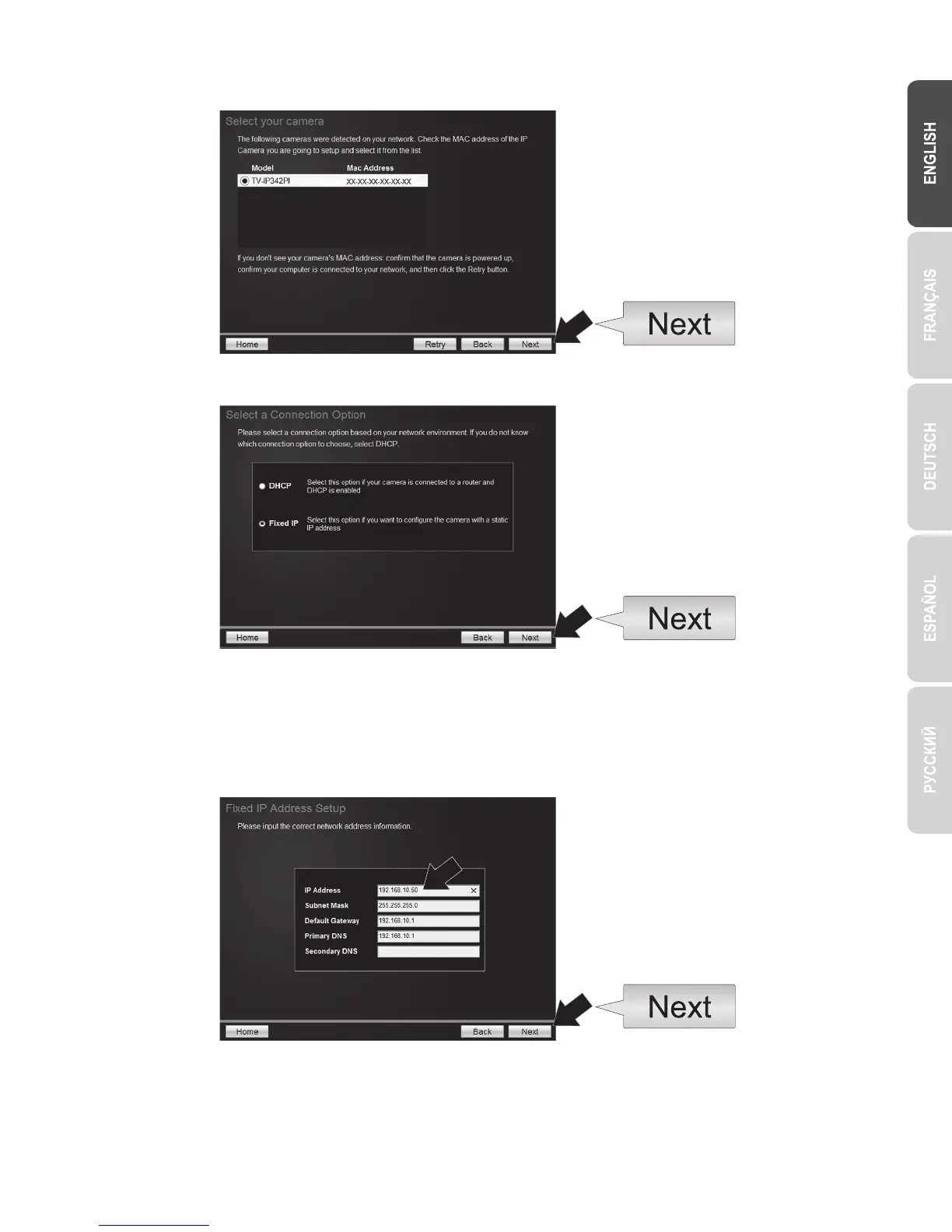
9. Select your camera from the list, then click Next.
10. Select Fixed IP and click Next.
12. Click Next.
11. Enter the IP Address for the Camera. The IP default range for the NVR unit is: 192.168.10.XX
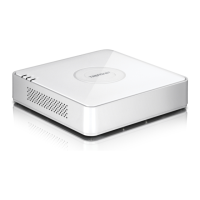
We recommended that you assign IP values that match the default range of the TV-NVR104 (192.168.10.1 – 192.168.10.254). Except
the default IP of TV-NVR104 (192.168.10.60)
Example: Camera 1: 192.168.10.50
Camera 2: 192.168.10.51
Camera 3: 192.168.10.52


 To Next Page