18
DPL 2220 / DPL 2218ENGLISH
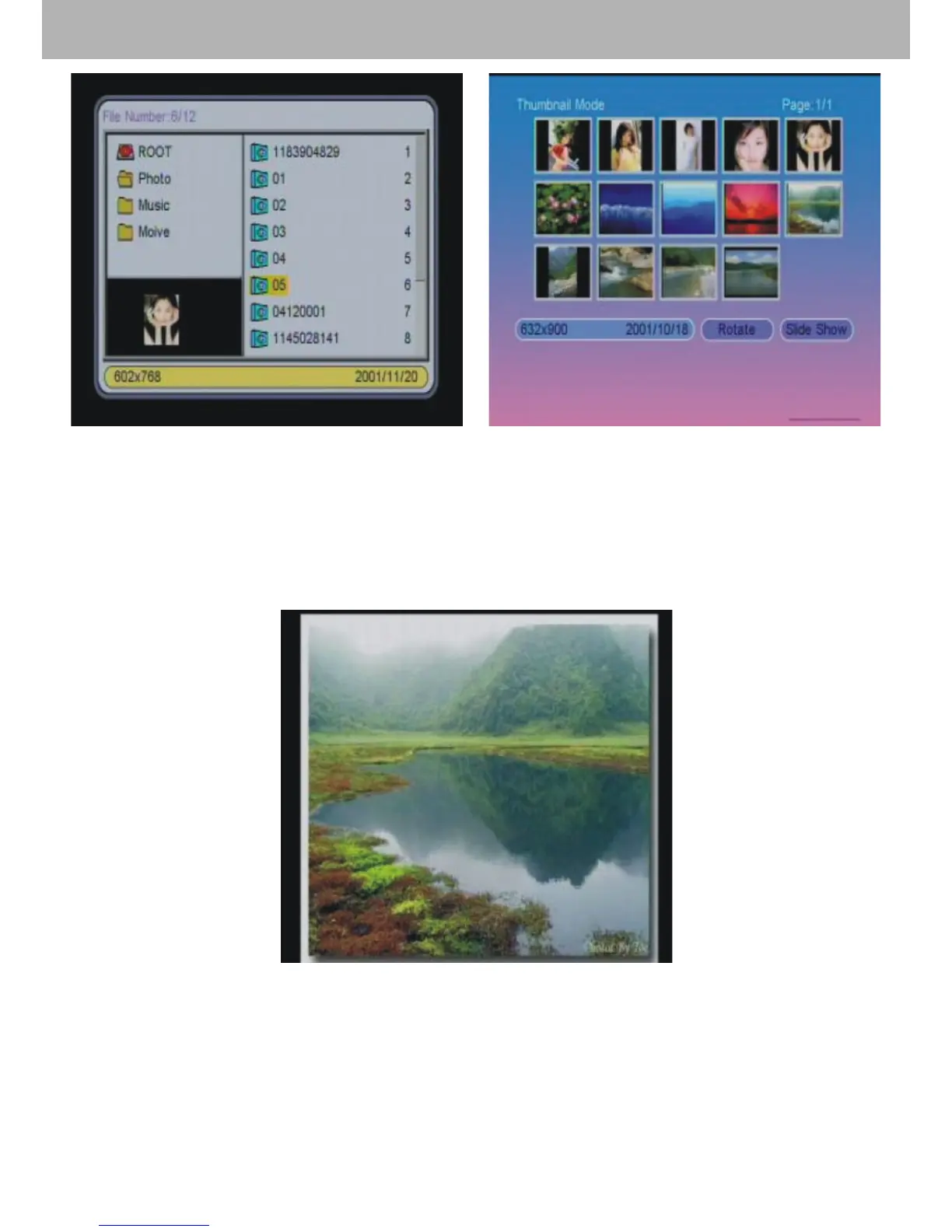
Picture 1 Picture 2
4.3 Under 【Photo】mode, the system just support picture
display, and the format is JPG.
4.4 If the photo auto-play is on, the machine will display the
photo automatically when entering 【Photo】function.
5.【Music】Function
5.1 Choose 【Music】in the main menu. Press ENTER and
the machine will examine automatically whether the machine
connects any storage device (USB, memory cards). If not, it
will return to the main menu.


 To Next Page