24
DPL 2220 / DPL 2218ENGLISH
10.【Alarm】 Function
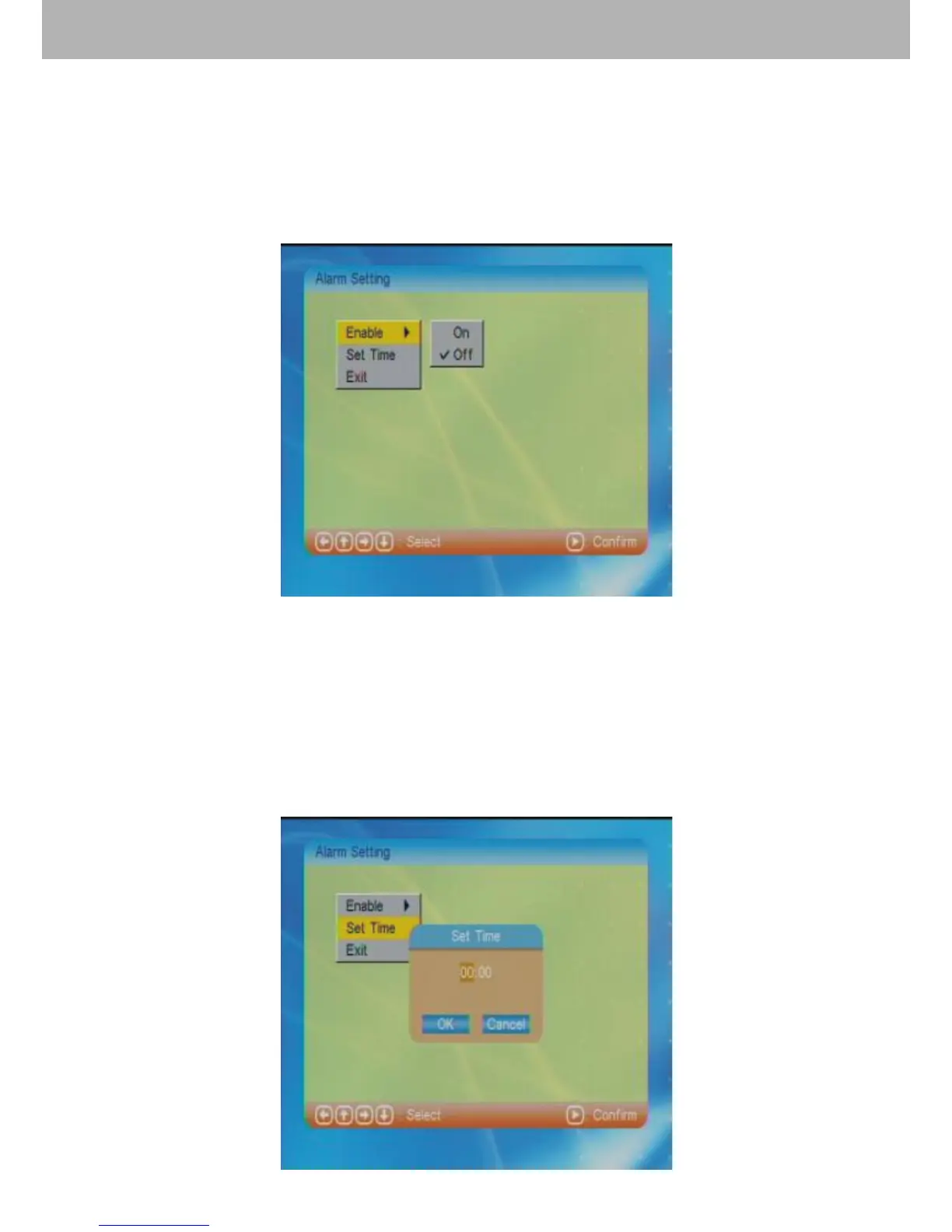
After choosing【Alarm】in the main menu, press ENTER to
enter into alarm setting mode.
10.1 Alarm On / Off Setting
Choose “Enable” to select alarm on or off function.
10.2 Set Time
This function will get users to set the time.
Select “Set Time” and press ENTER to enter into the time
setting. Use direction buttons to adjust the time. Press “OK”
or “Cancel” after above setting to exit. Press “Exit” to return
to the main menu.



 To Next Page