25
DPL 2220 / DPL 2218 ENGLISH
10.3 Alarm Ring-down
A reminded picture will appear on the screen when the alarm
is on. Press any key to exit.
11.【Auto-Power】Function
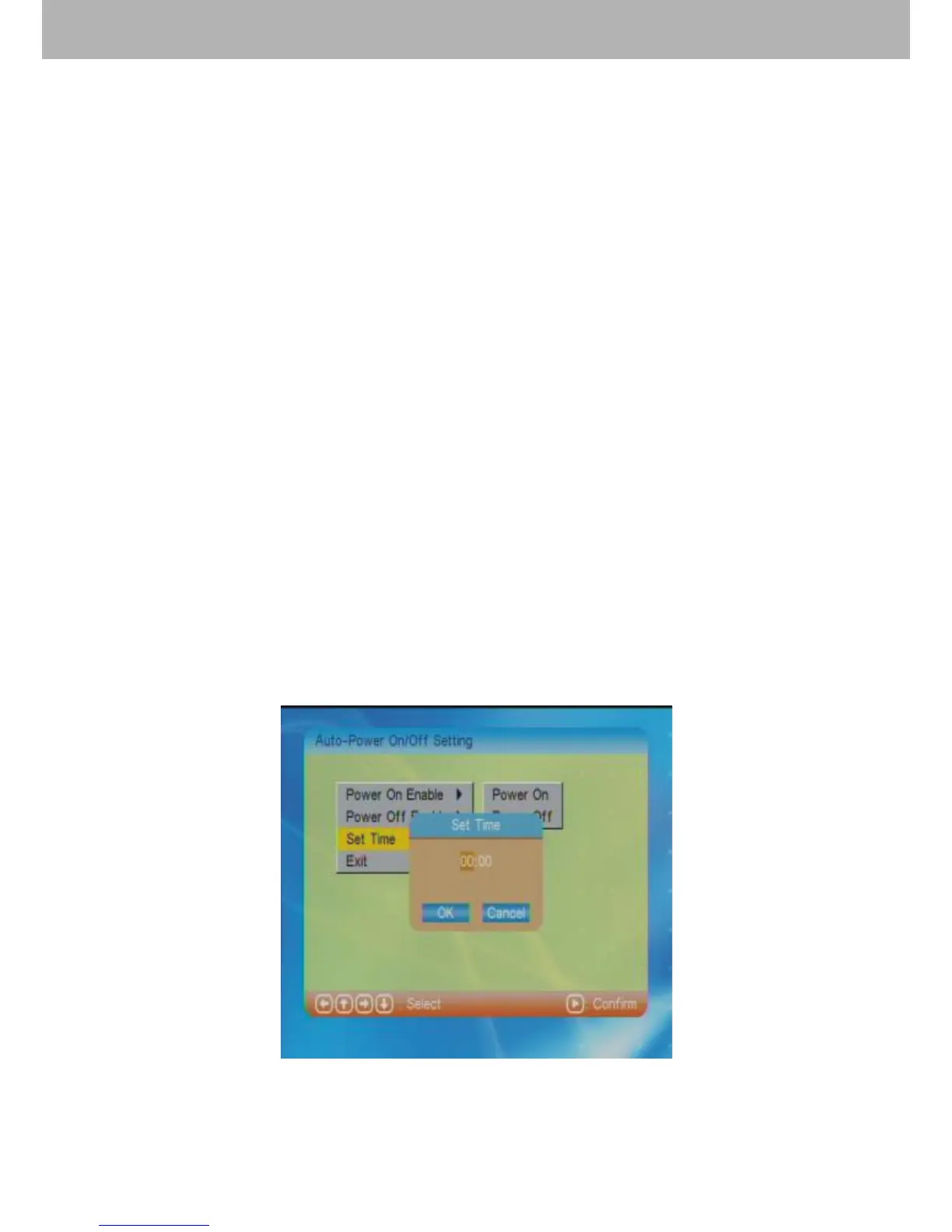
After choosing【Auto-Power】in the main menu, press
ENTER to enter into auto-power setting.
11.1 Power On Enable
Choose “Power On Enable” to select power-on on or off
function.
11.2 Power Off Enable
Choose “Power Off Enable” to select power-off on or off
function.
11.3 Set Time
Select “Set Time” and press ENTER to enter into the time
setting for power-on or power-off. There are “Power On” and
“Power Off” to choose. Use direction buttons to adjust the
time. Press “OK” or “Cancel” after above settings to exit.
Press “Exit” to return to the main menu.


 To Next Page