26
DPL 2220 / DPL 2218ENGLISH
12.【Edit】Function
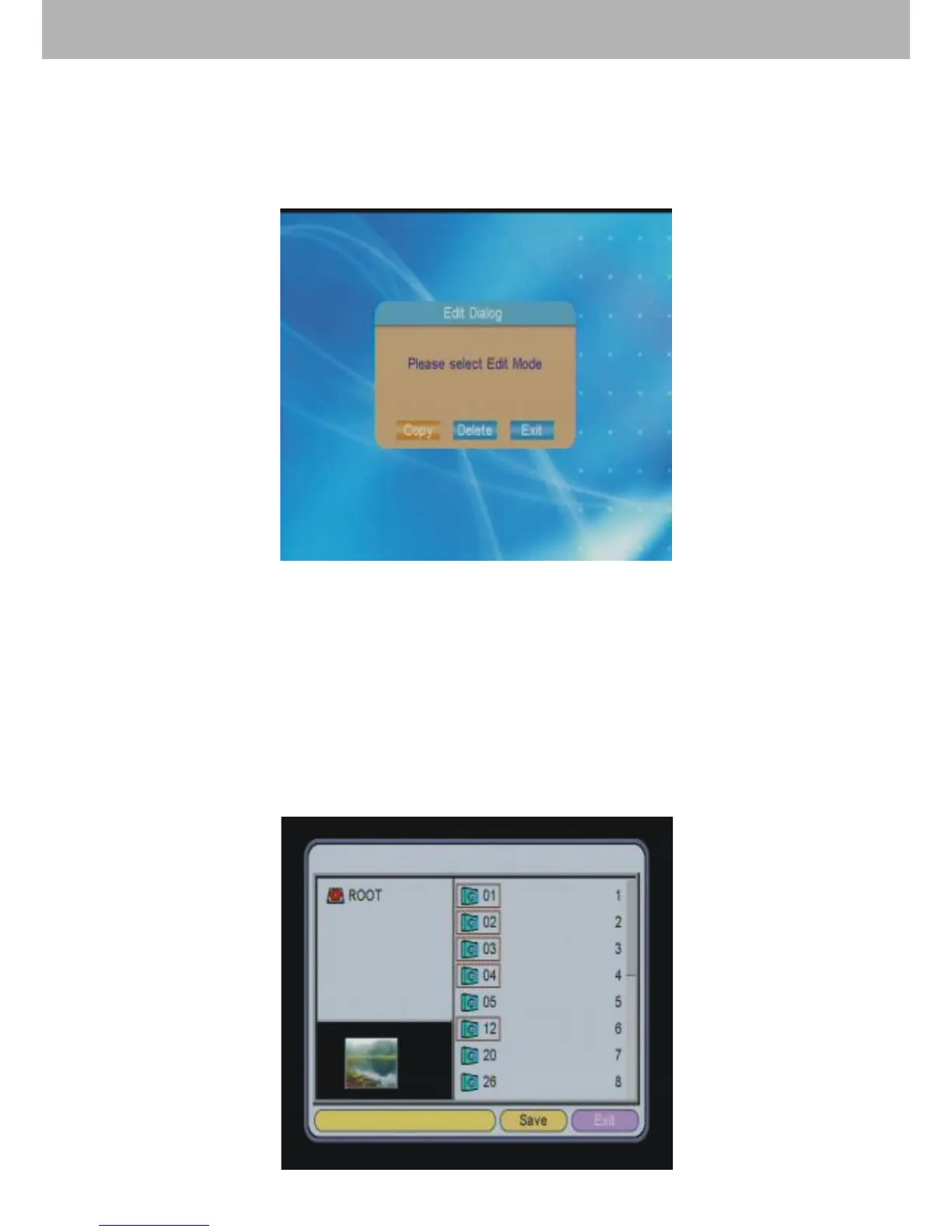
After choosing【Edit】in the main menu, press ENTER to
enter into picture edit mode. Users can select “Copy”, “Delete”
and “Exit”.
12.1 Copy Picture
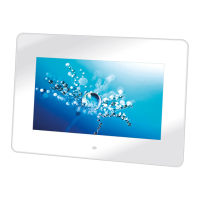
In this function, the user can copy pictures in the storage device
as screen saver pictures. Press【UP/DOWN】key to select
pictures. A red outline frame shows that the picture has been
chosen. Press ENTER again will cancel the selection. After
the choosing processes, press 【LIFT/RIGHT】 to select
“Save” and then press ENTER to save the desired picture.


 To Next Page