27
DPL 2220 / DPL 2218 ENGLISH
12.2 Delete Picture
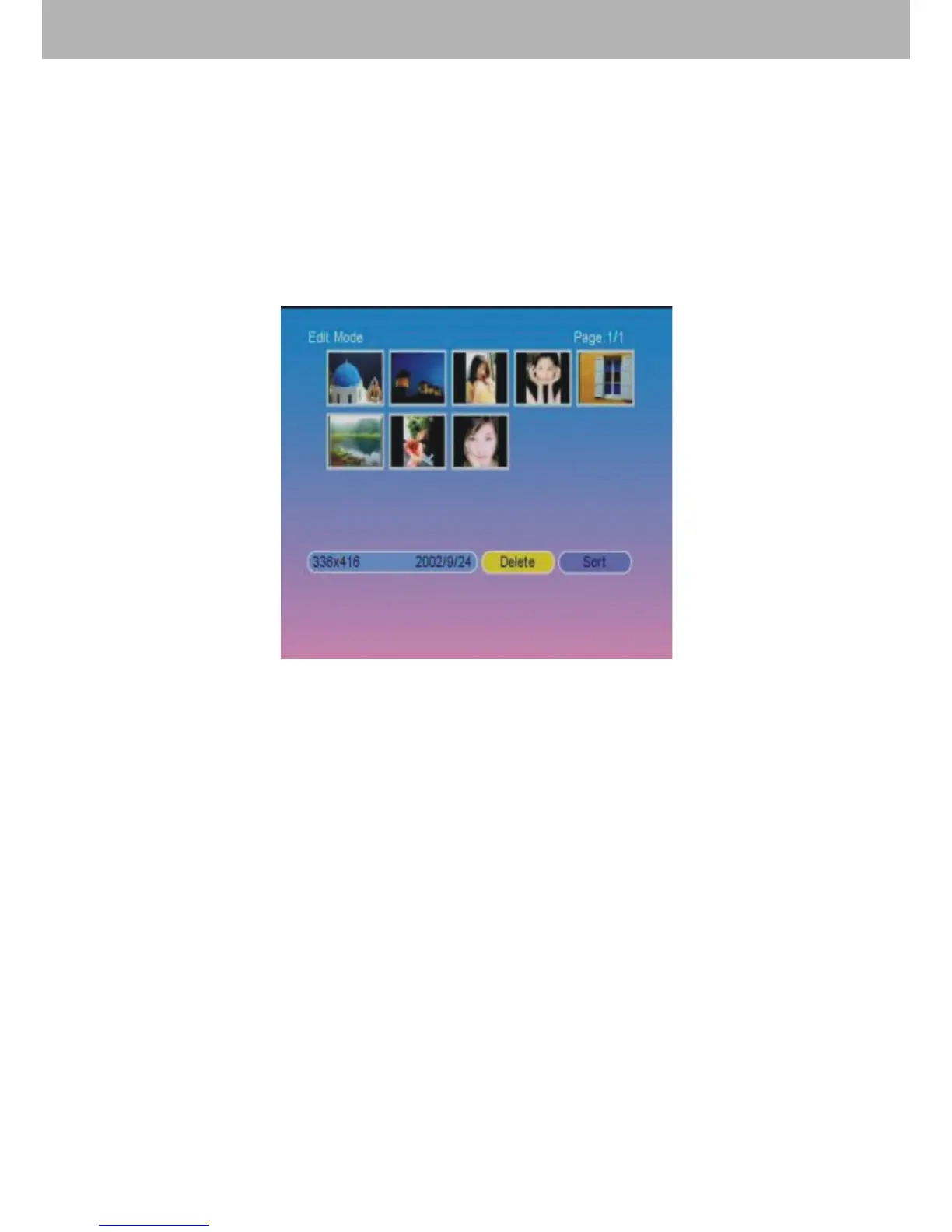
In this function, the user can delete pictures which have saved
as screen saver pictures. Select “Delete” and press ENTER
to enter into picture deletion mode. Use【LIFT/RIGHT】
key to select desired pictures, then press ENTER to delete the
picture. Users can also delete all pictures by selecting “Delete
All”.
13.【Favorite】 Function
After choosing【Favorite】in the main menu, press ENTER
to enter into screen saver mode. Then press ENTER to pause
or play the screen saver picture. Press EXIT to exit the screen
saver mode.
14. Function Switchover
Press EXIT on the remote control to return to the main menu.
Use direction keys to switch over all the functions. The functions
are【Photo】, 【Music】, 【Photo + Music】, 【Movie】,
【Setup】, 【Calendar】, 【Clock】, 【Alarm】, 【Auto-
Power】, 【Edit】 and 【Favorite】.


 To Next Page