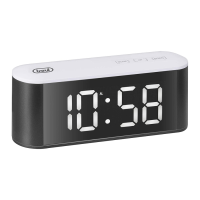
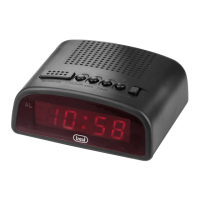
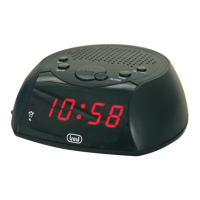
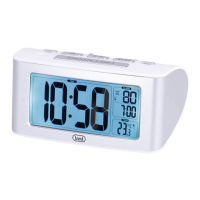
EC 885
10_
ENGLISH
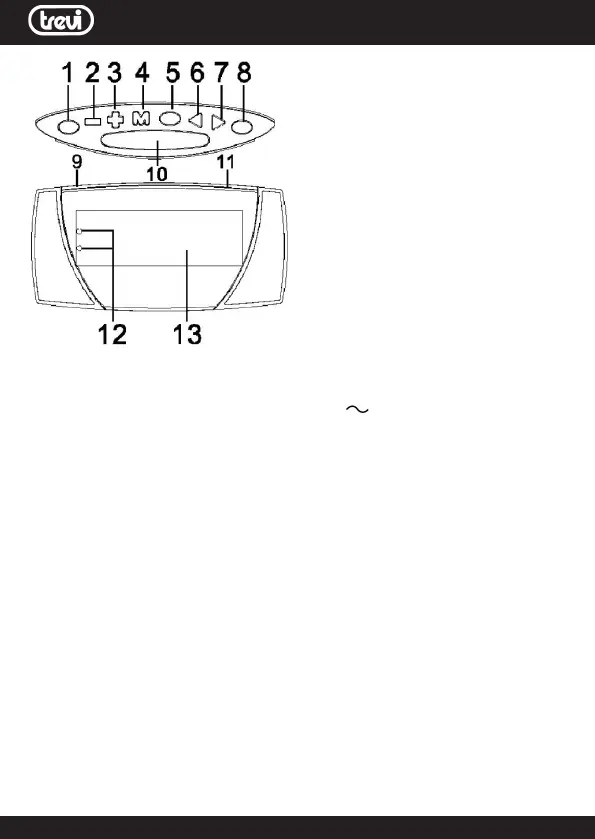
COMMANDS DESCRIPTION
1. Button Alarm 1
2. Button -
3. Button +
4. Button TIME for time adjustment
5. Button ALARM OFF to switch off
the alarm
6. Button HOUR for hour adjustment
7. Button MIN for minutes adjustment
8. Button Alarm 2
9. Not used
10. Button Snooze / Dimmer
11. Battery compartment (on the
back)
12. Led Alarm 1/2 indicator
13. Display
INSTALLATION
Insert two “AAA” batteries in the compartment (11) on the back of the device,
respecting the indicated polarity.
Insert the plug of the power cable into a 230V
50Hz socket; the display will
ashuntilthetimeisset.
TIME ADJUSTMENT
1. Hold down the button (4) for a long time until the dots “:” of the time begin
toash.
2. Press the HOUR button (6) to activate the hour adjustment.
Using the + (3) and - (2) keys, set the current time.
3. Press the MIN key (7) and use the + (3) and - (2) keys to set the current minu-
tes.Conrmbypressingthekey(4)once.
ALARM ADJUSTMENT AND ACTIVATION
1. Long press the ALARM1 key (1), the alarm 1 indicator LED on the display will
startashing.
2. Press the HOUR button (6) to activate the alarm time adjustment using the
+ (3) and - (2) buttons.
3. Press the MIN key (7) to activate the adjustment of the minutes of the alarm
using the + (3) and - (2) keys.
4.PresstheALARM1button(1)toconrmthesetting.Thealarmindicator(12)
will light up on the display.
5. To set ALARM2 follow steps 1 to 4 by pressing the ALARM2 key instead of
ALARM1.
To view the set alarm time, long press the Alarm1 (1) or Alarm2 (8) button, wait
a few seconds for the return to normal time display.
To activate or deactivate an alarm, press the Alarm1 or Alarm2 buttons, the
indicator (12) will show if the alarm is active.



 To Next Page