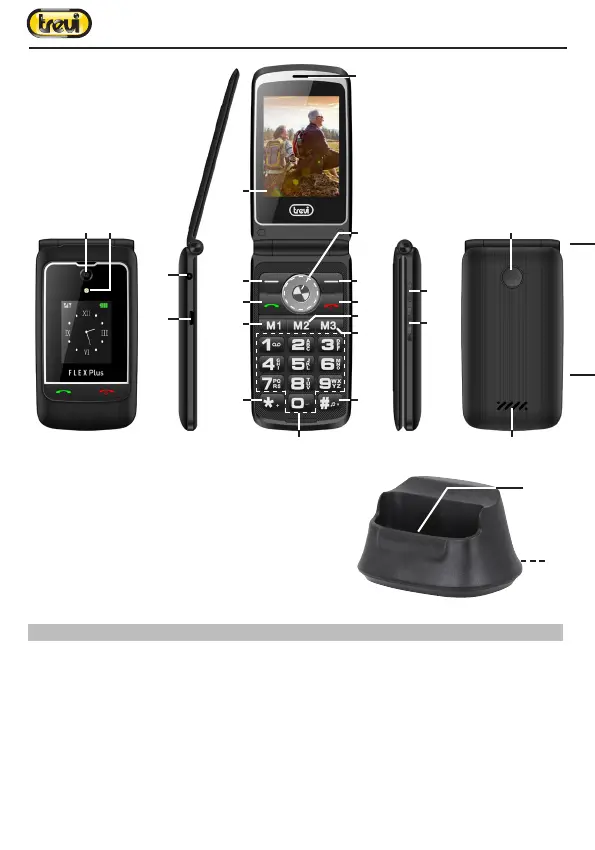
31
23
22
1
2
4
18
19
20
15
16
13
12
8
7
9
10
6
5
11
17
21
14
3
6. Basic Functions
Powering On/Off the Mobile Phone
Hold the On/Off button for a while to power On the mobile phone. A power-on animation
appears on the display screen.
Input the PIN and press the ok key if the mobile phone prompts you to input the PIN. The PIN
is provided by the network operator for new opening SIM card. Enter the standby interface.
To power off the mobile phone, hold the End key for a while.
Dialing Calls
In the standby interface, press number keys to input the area code and the telephone number,
ENGLISH



 To Next Page