23
IP 330 TV
ADVANCED FEATURES
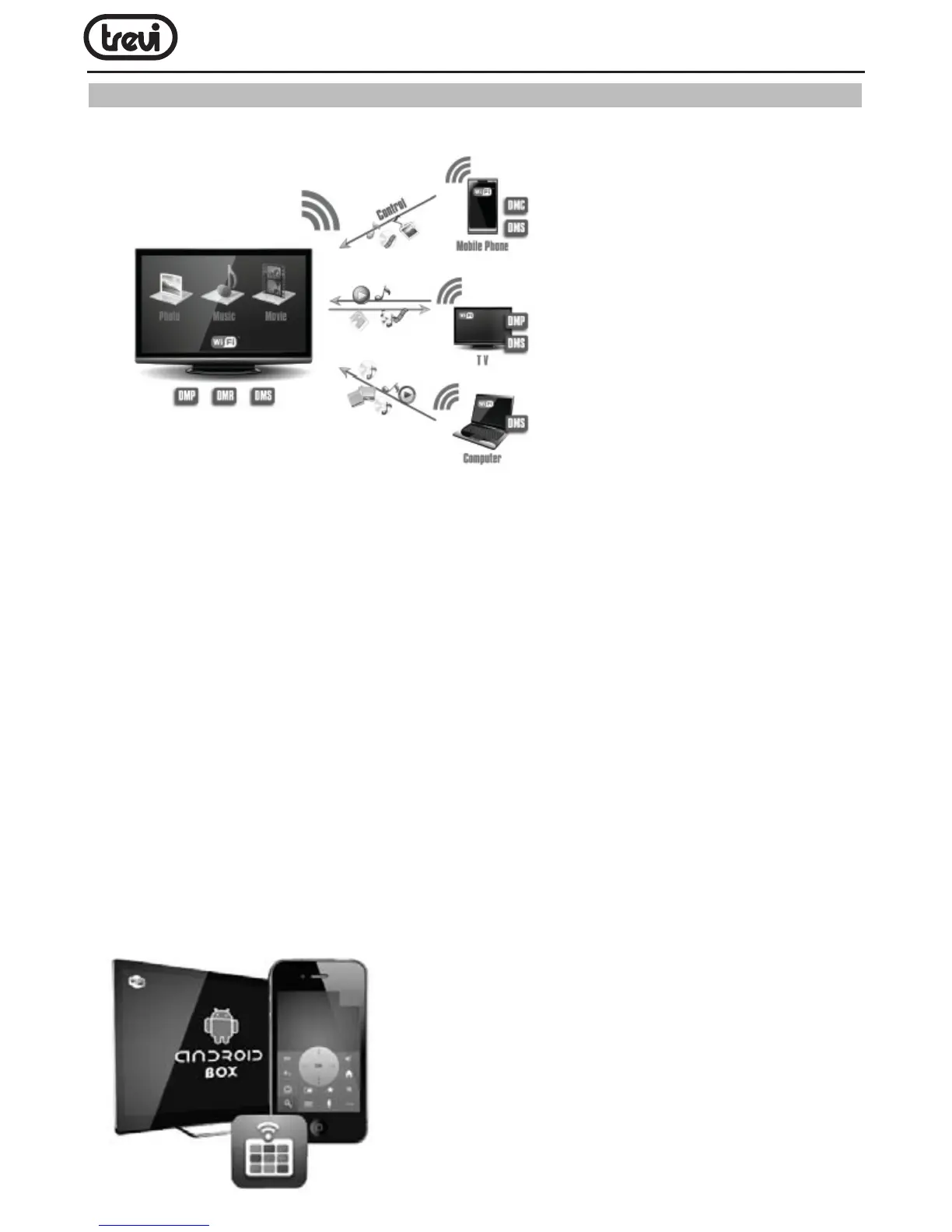
•DLNA
1.Enter the APP MediaSharing. You will see a list of devices that support DLNA on the left.
2.Choose the right device on the left, you will see a list of media les that the device shared.
3.Choose and press the media le you want to play. It will take a little longer for video les.
Music and picture play screenshots are as followed:
1) You can drag the progress bar during playing music or video. You can also have basic
functions like forward/rewind and prev/next
2) Picture player can zoom in/out and rotate the picture as you like, it also provide lmslide
function
4.Manu of MediaSharing.Operating tips:
1) Refresh: Refresh the list of supported devices
2) Settings: Turn on/off the function of sharing, turn on/off run service when boot up and
set TV’s device name
•MobileRemote


 To Next Page