EasyManua.ls Logo

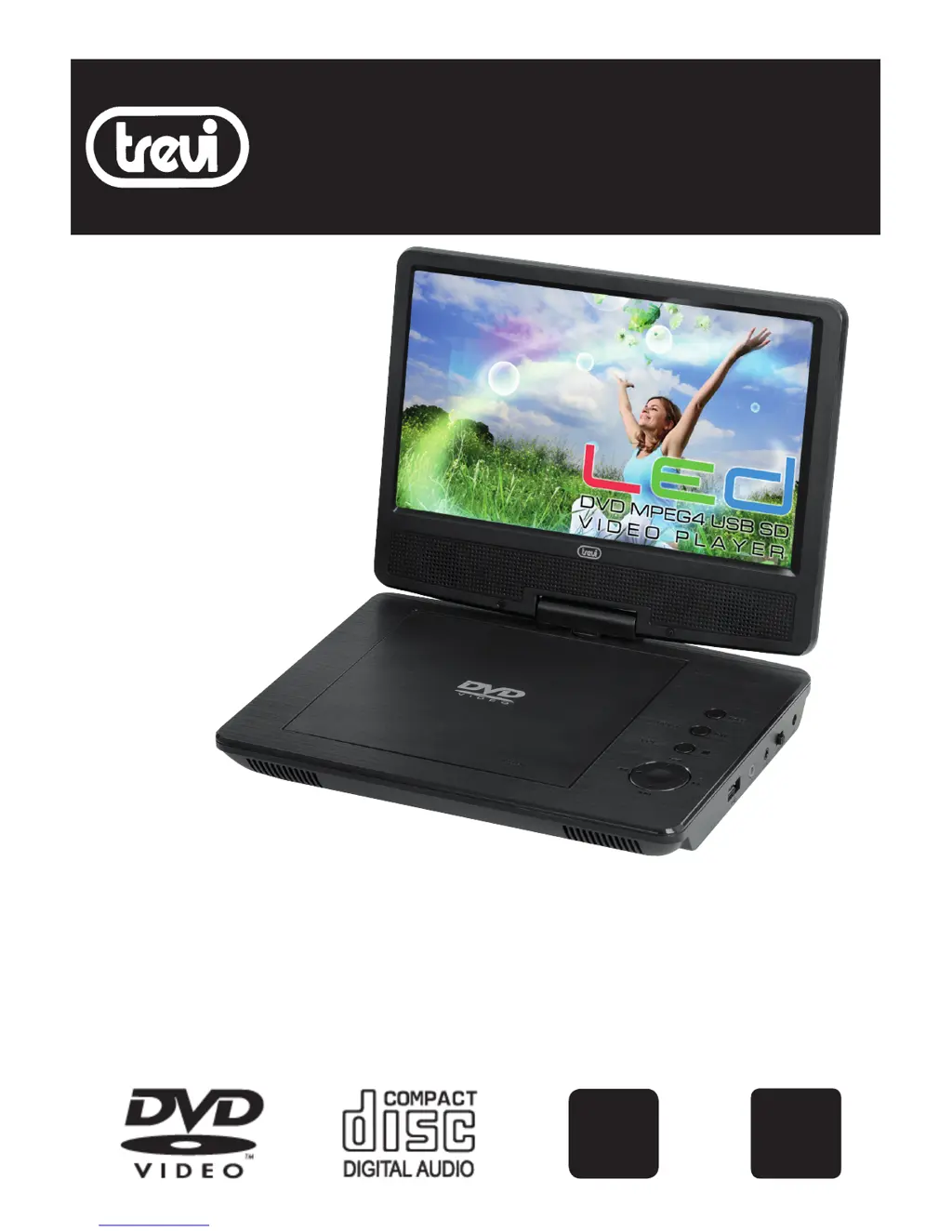
Trevi PDX 1409 - User Manual

Trevi PDX 1409
28 pages
Print Icon
To Next Page IconTo Next Page
Loading...
PDX 1409
LETTORE DVD/CD 9” PORTATILE CON INGRESSO USB/SD
PORTABLE DVD/CD PLAYER 9” WITH USB/SD INPUT
MANUALE D’USO E COLLEGAMENTO
USER’S MANUAL
GUIDE RAPIDE
URZANLEITUNG
GUÍA RÁPIDA
USB
PLAYER
SD CARD
PLAYER

Questions and Answers

  • J
    Jessica LopezAug 8, 2025
    What to do if the picture is distorted on my Trevi Portable DVD Player?
    • D
      Danielle MendezAug 8, 2025
      If the picture is distorted, the disc might be damaged. Try playing another disc. Note that some distortion is normal during forward or reverse scan.
  • H
    Heather ThomasAug 25, 2025
    What does it mean when an icon appears on the screen of my Trevi PDX 1409?
    • G
      garciaclintonAug 26, 2025
      The appearance of an icon on the screen indicates that the feature or action cannot be completed at this time. This could be due to several reasons: * The disc's software restricts it. * The disc's software doesn't support the feature (e.g., angles). * The feature is not available at the moment. * You've requested a title or chapter number that is out of range.

Summary

Package

Main Unit Controls

Power Connection

Connecting to TV or Monitor

Remote Control Overview

Basic Operation

Playing a DVD or CD

Step-by-step guide for playing discs.

Setup Menu Operation

How to access and navigate the player's setup menu.

Preference Settings

Product Specifications

Troubleshooting Guide

Product Disposal Precautions

Battery Removal and Disposal

Battery Removal Procedure

Procedure for safely removing the battery from the unit.

Trevi PDX 1409 Specifications

General IconGeneral
Screen Size9 inches
Supported FormatsDVD, DVD-R/RW, DVD+R/RW, CD, CD-R/RW, MP3, JPEG
ConnectivityAV output, USB
Card readerSD card slot
Power SupplyAC adapter, DC 12V

Related product manuals